Activity › Forums › Astrotechniek › Methoden en Technieken › Data calibration workflow and processing in APP › Reply To: Data calibration workflow and processing in APP
March 18, 2017 at 16:42
#12886
 Haverkamp
Participant
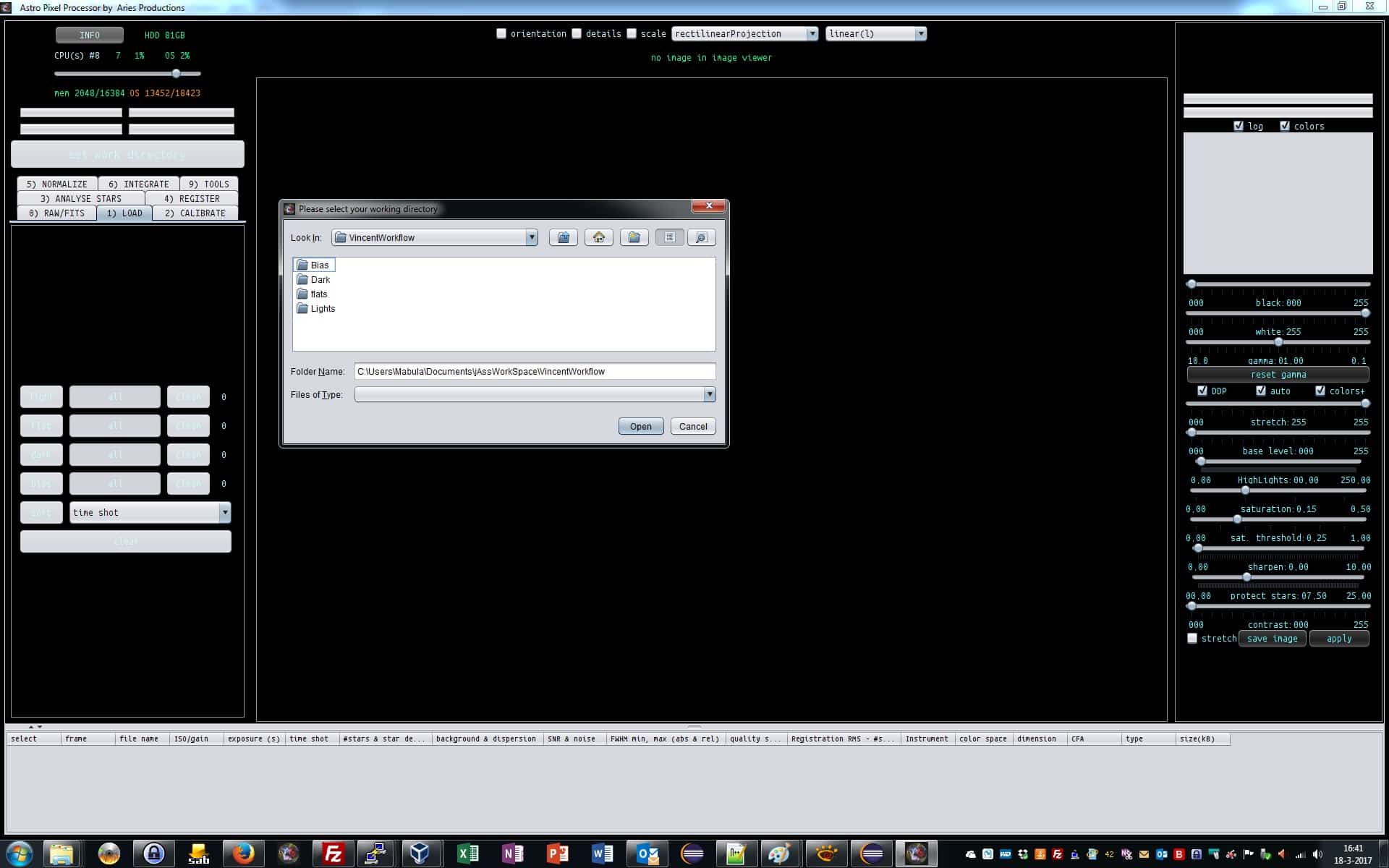
We start APP and select our Working Directory.
This Work Directory will be used for temporary files during stacking and the results will be saved here. Try to use a hard disk partition with enough free space and possibly the fastest drive you have on your computer. This will speed things up.
We choose the folder with our project data, with separate folders for lights, bias, darks, flats