Activity › Forums › Astrotechniek › Methoden en Technieken › Data calibration workflow and processing in APP › Reply To: Data calibration workflow and processing in APP
March 18, 2017 at 17:07
#12895
 Haverkamp
Participant
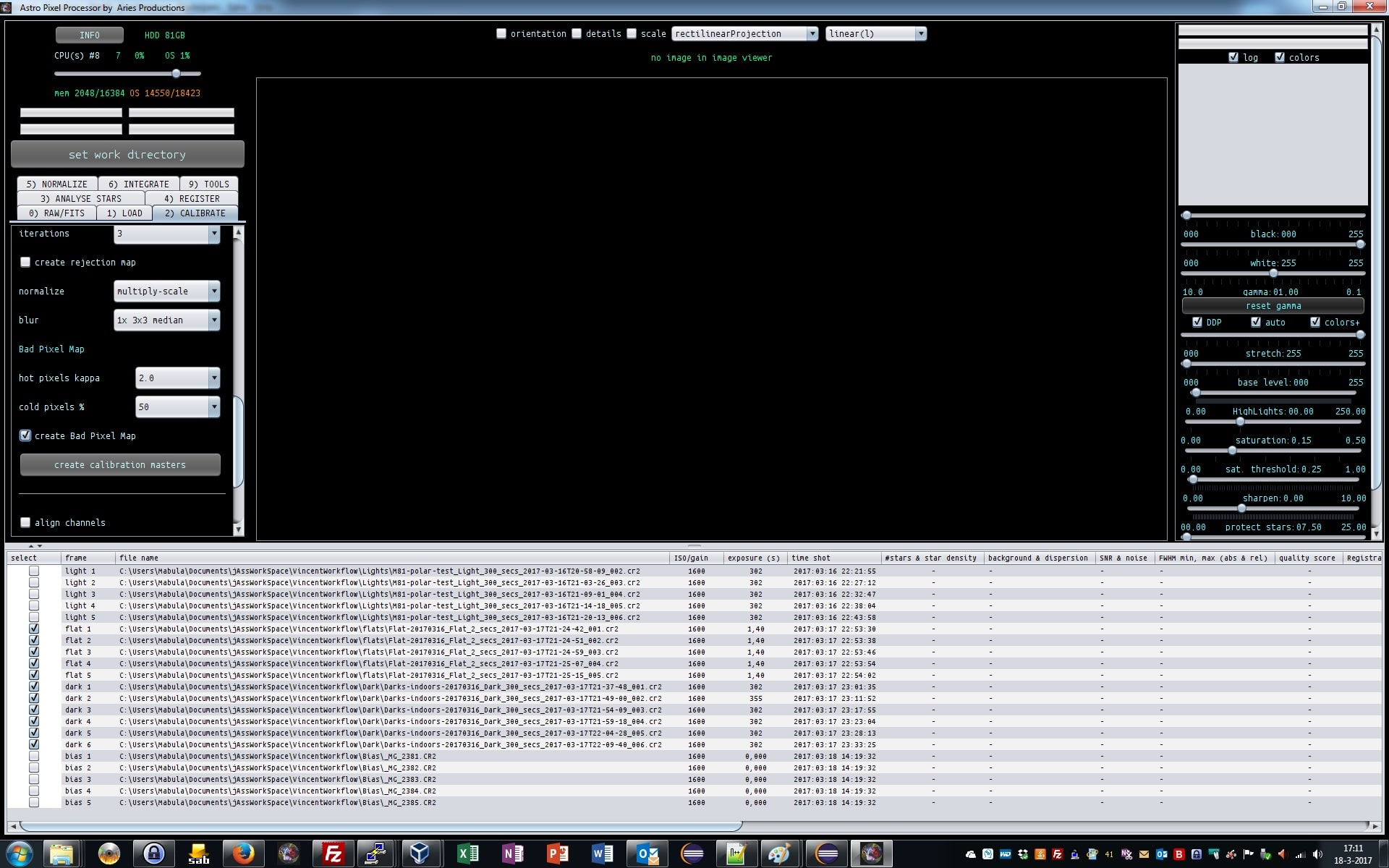
2) CALIBRATE
we scroll down to the Bad Pixel Map options and select create bad pixel map.
If you create a good Bad Pixel Map, you will be able to use this for a very long time with high efficiency.
The bad pixel map will be created using only the darks and flats.
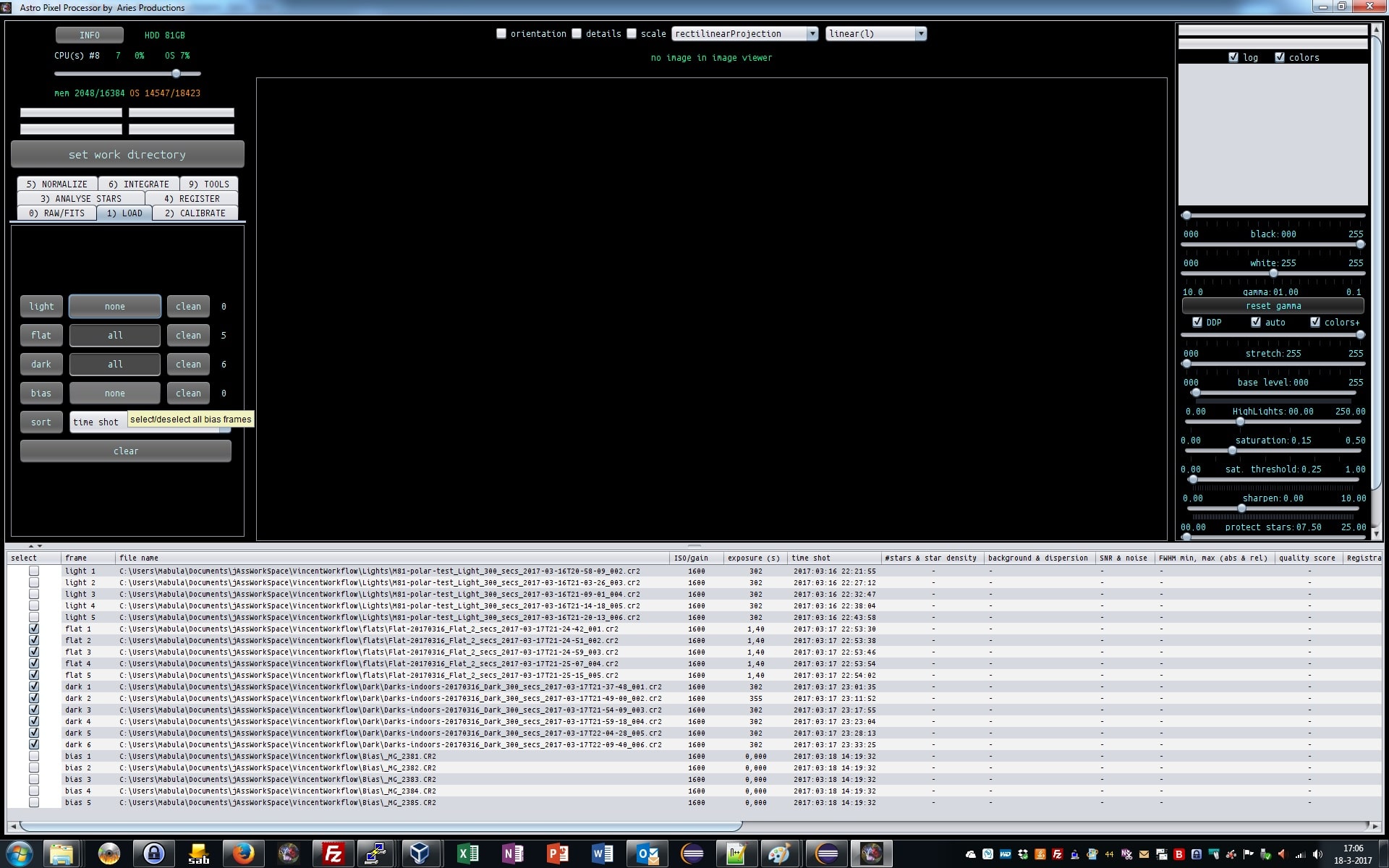
First we deselect the lights and bias, by clicking on the all button next to the lights and bias buttons in 1) LOAD