Activity › Forums › Astrotechniek › Methoden en Technieken › Data calibration workflow and processing in APP › Reply To: Data calibration workflow and processing in APP
 Haverkamp
The Bad pixel map uses darks for hot pixel detection, en flats for cold pixel detection.
Hot pixel kappa setting : default is 2 kappa.
Cold pixel % : default is 50%.
The darks and flats are combined to a masterdark and masterflat internally.
Then the masterdark is locally analysed. All pixels that deviate more than the
PixelValue > LocalMedian + (HotPixelKappa* StandardDeviation) means hot !
are considered hot pixels and will be marked like that in the bad pixel map.
The masterflat is analysed globally. All pixels that are less than cold pixel % from the median of the masterflat are consideres cold pixels.
PixelValue < ColdPixel% * GlobalMedian means cold !
If you have very strong vignetting, you possibly need to lower this value. Otherwise 50% is fine in most cases.
We leave the settings at their default and click on create calibration frames. Since we selected create Bad Pixel Map. Only a BPM will be created. No Master dark or Master Flat will be created yet.
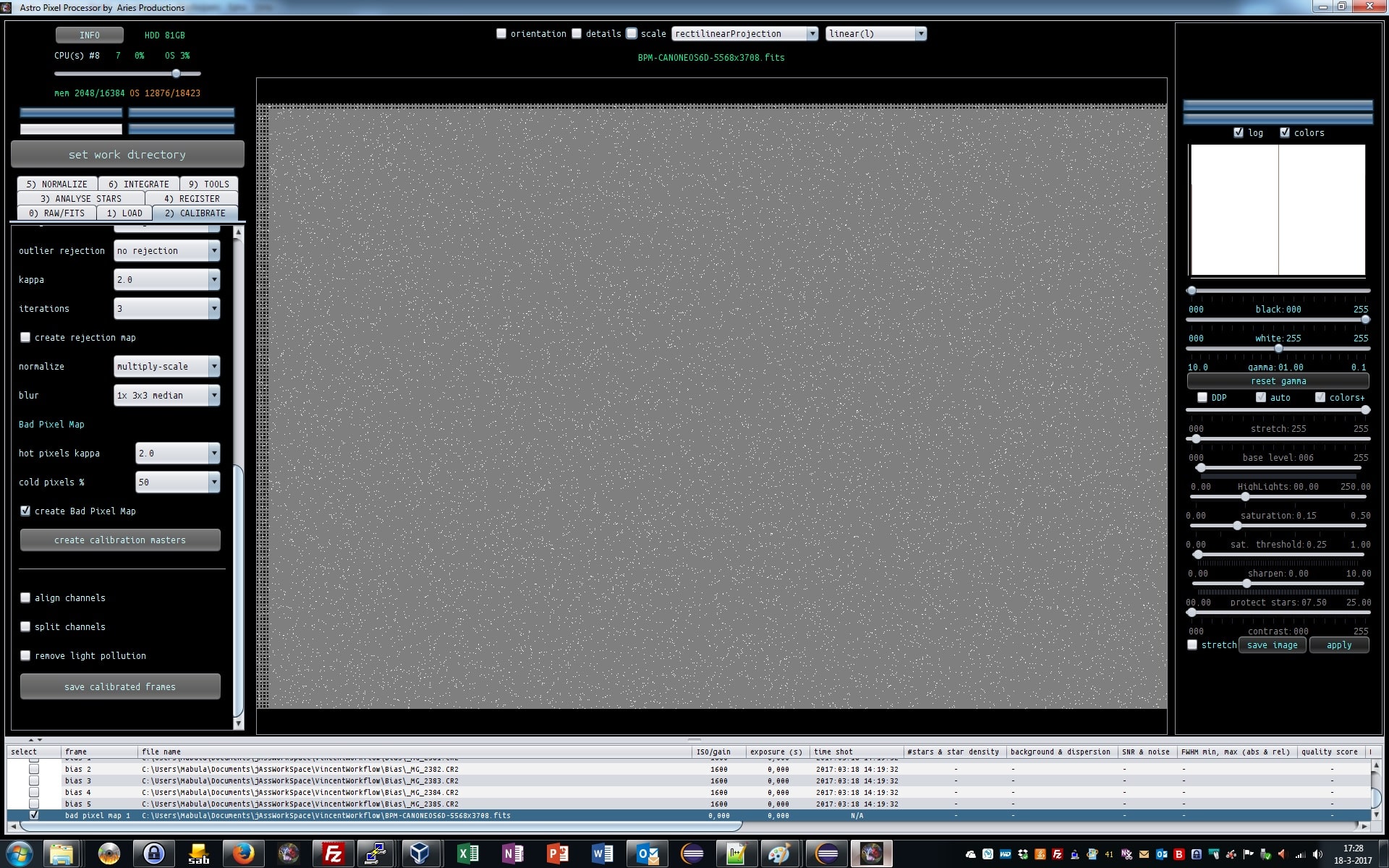
When the creation is finished, we get a Bad Pixel Map at the bottom of our list, see screenshot. Let’s select the bad pixel map to see how it looks.
A bad pixel map is unlike a light frame. Deselect DPP when viewing a Bad Pixel Map, to properly see the BPM
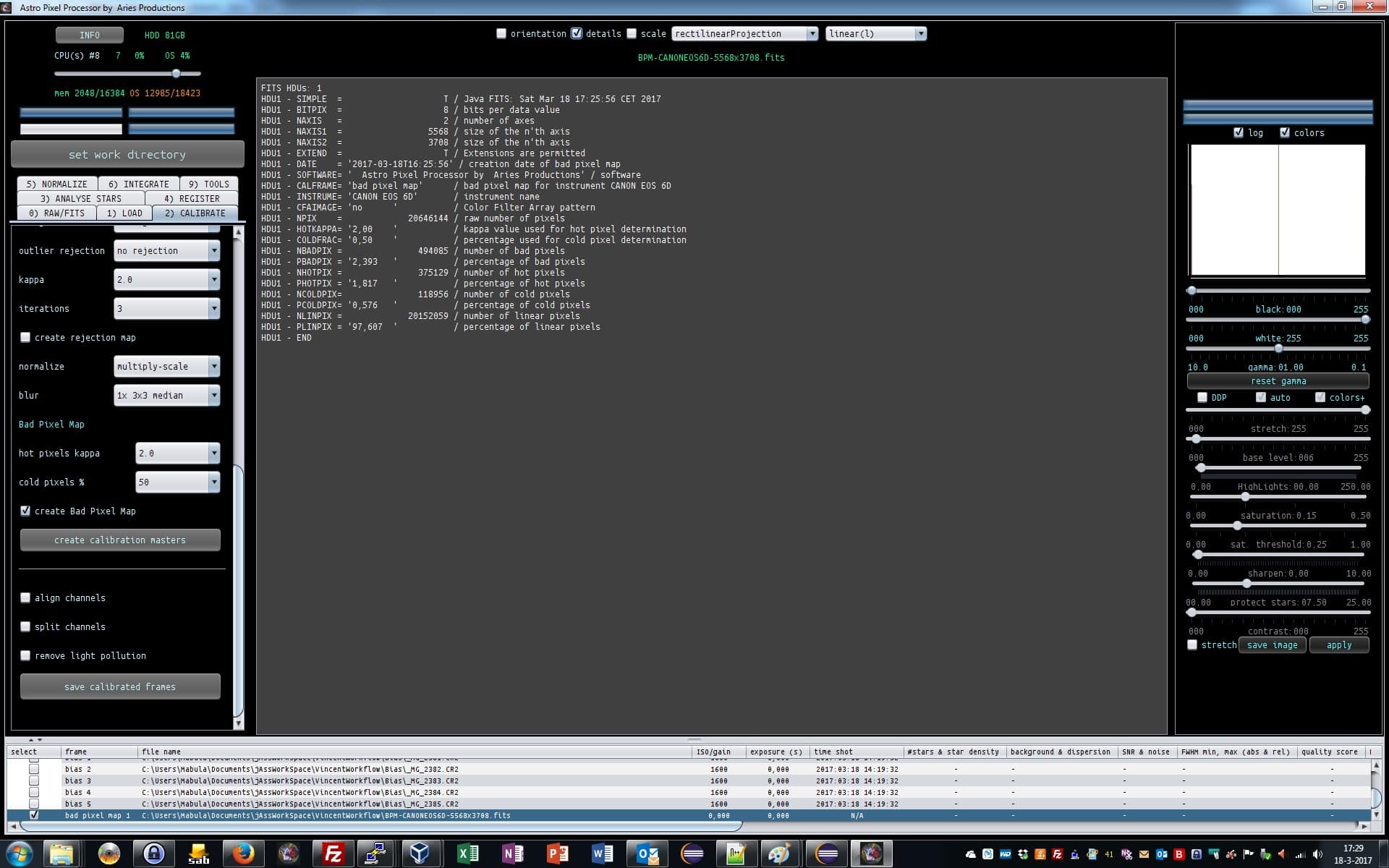
by clicking on details at the top of the application above the image viewer we can get some statistics.