

Activity › Forums › Astrosoftware › Astro Pixel Processor › H-Alpha from a DSLR (6D)
Tagged: APP
- This topic has 9 replies, 2 voices, and was last updated 9 years, 6 months ago by
 Groenewold.
-
AuthorPosts
-
March 18, 2017 at 10:39 #12772
 GroenewoldParticipant
I took 12×5 min H-Alpha light-frames 2 days ago, made new darks (as I only saved the master-fits and not original raw files, which was a bad idea as APP uses a different raw processing than dcraw) and made my first flats with my new flatscreen.
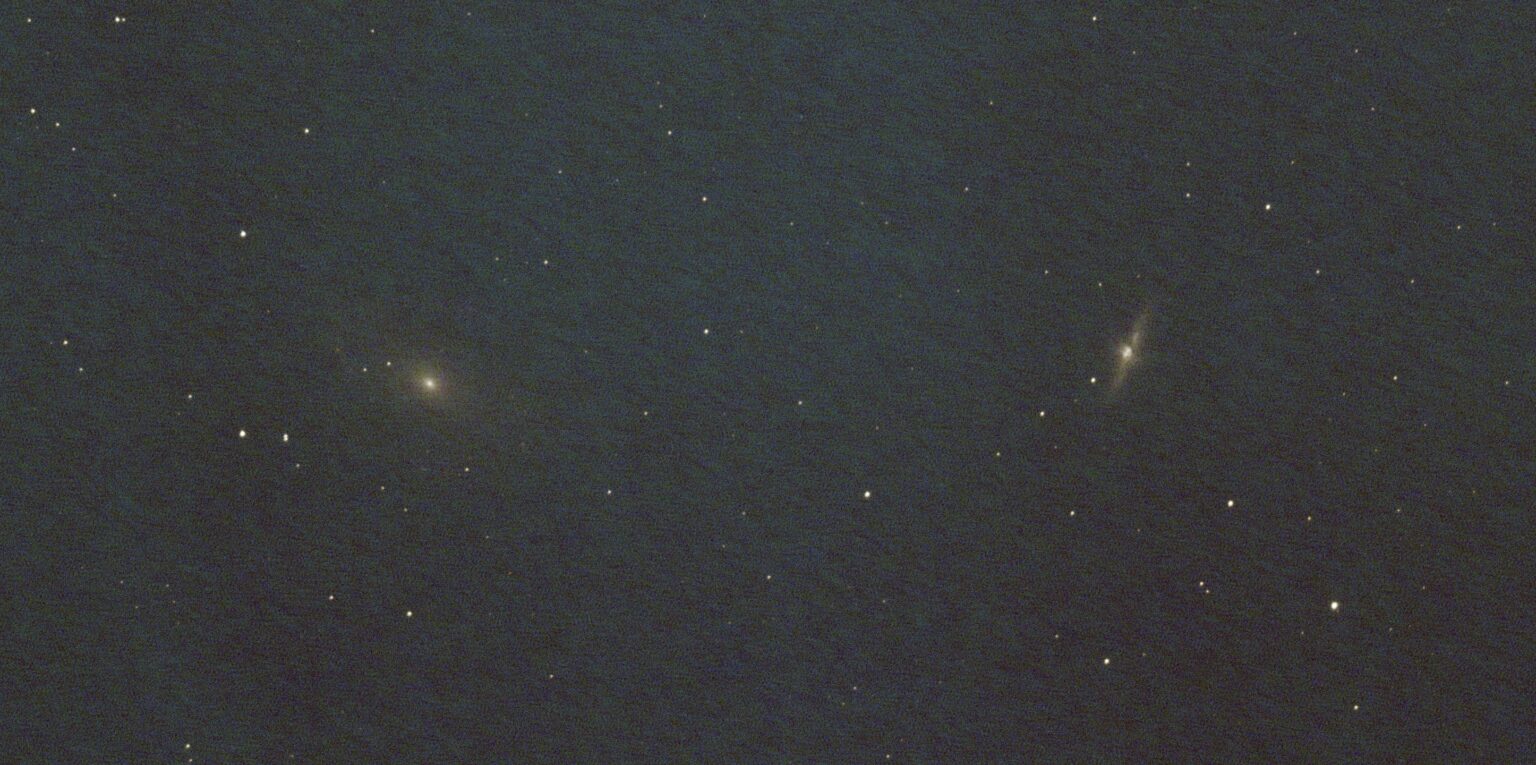
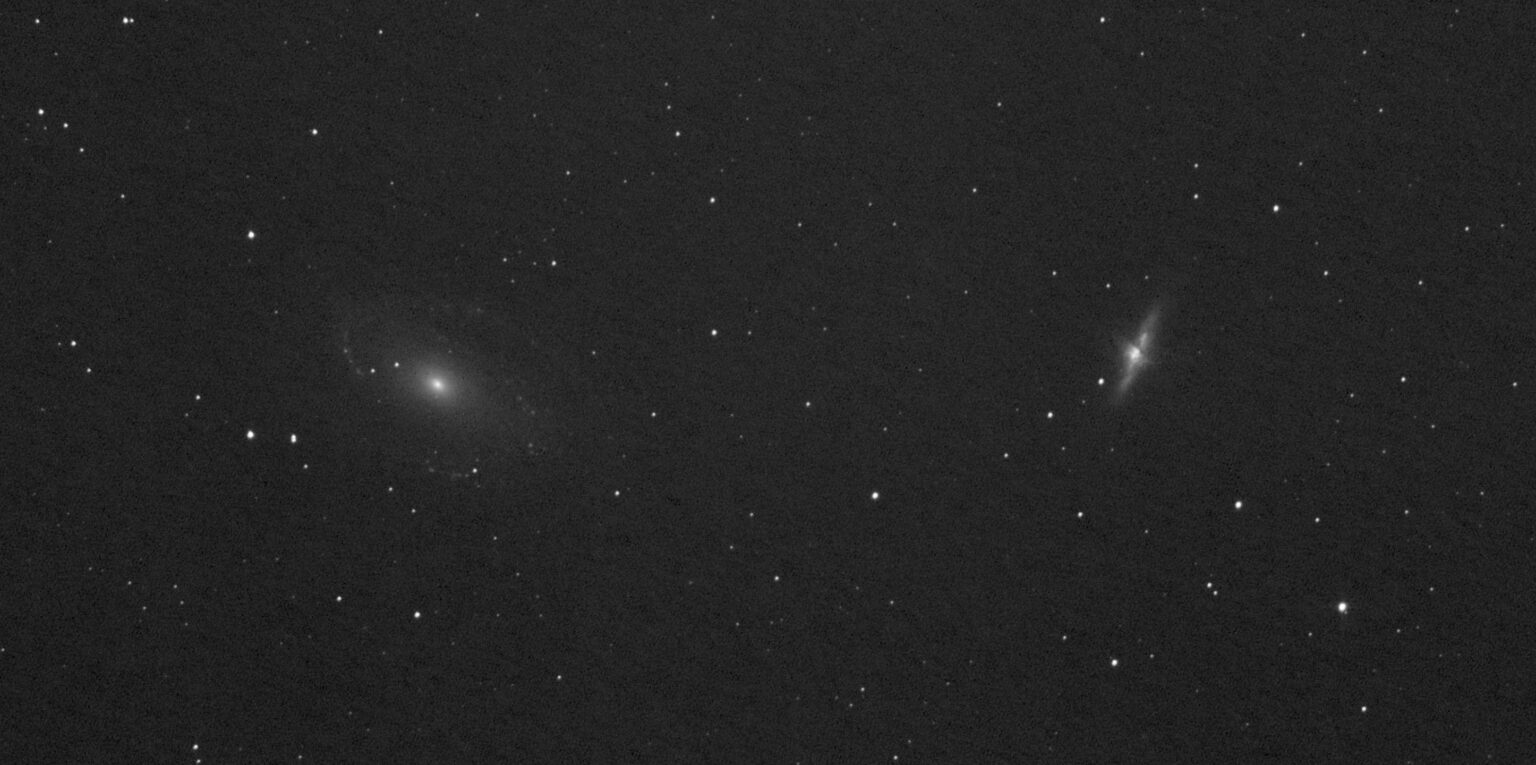
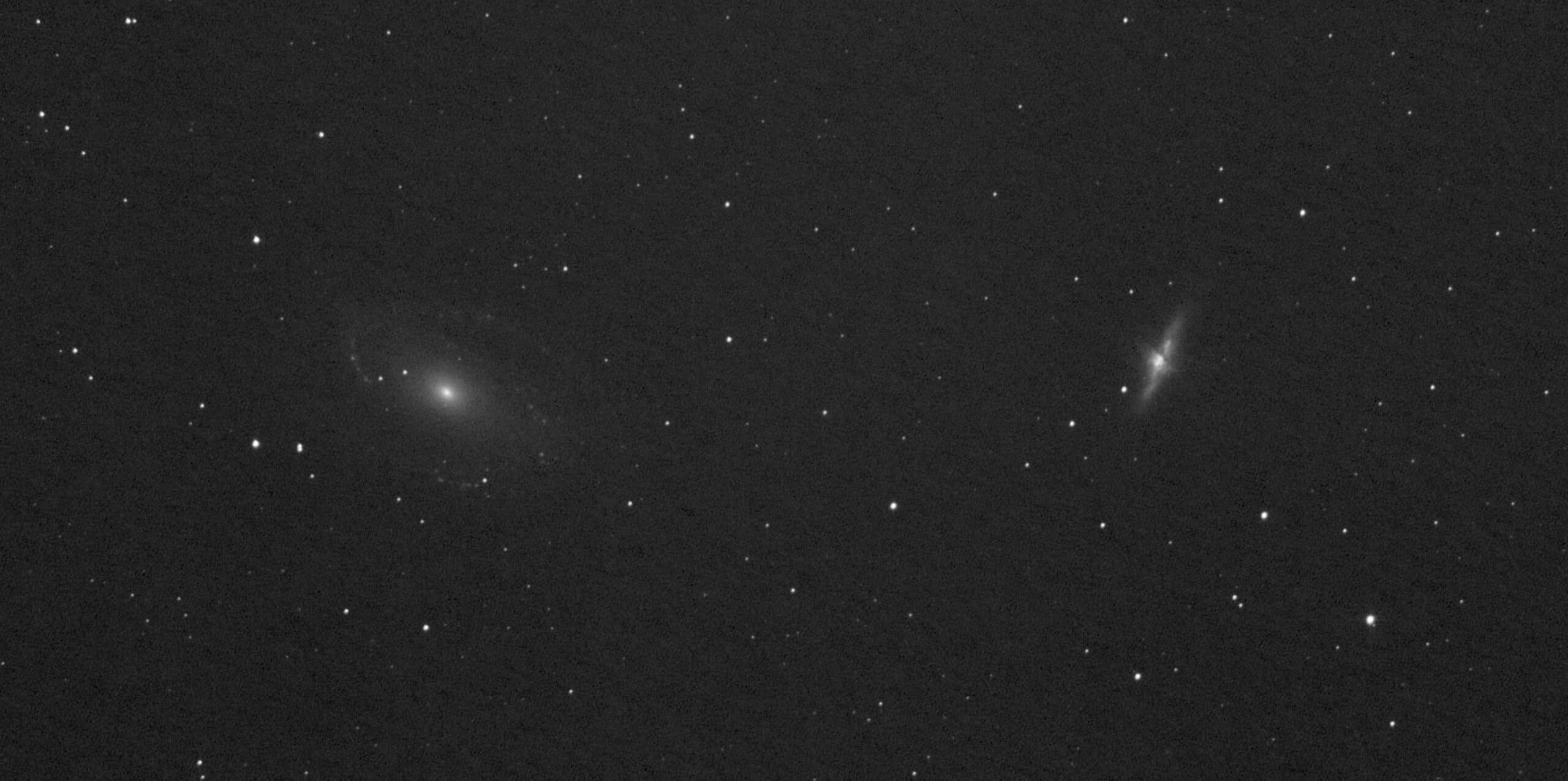
At first I didn’t see the H-alpha option in tab 0, maybe that might be made slightly more clear? So first image is what you get with just Airy-Disk.. gone is the signal and loads of noise injection (as expected). Then I selected H-Alpha, Winsored Sigma Clipping in stacking and hit stack. Much better and much easier than my process in PI so that’s a plus. ? I didn’t make new bias frames yet, will do that as well to see that effect, now I still have quite a bit of wiggly background.
 March 18, 2017 at 10:57 #12778
 HaverkampParticipant
Nice, have your registered with distortion correction? This is really usefull with your optics.
March 18, 2017 at 11:12 #12783GroenewoldParticipantNo I didn’t, I noticed slightly distorted stars indeed so let’s try that..
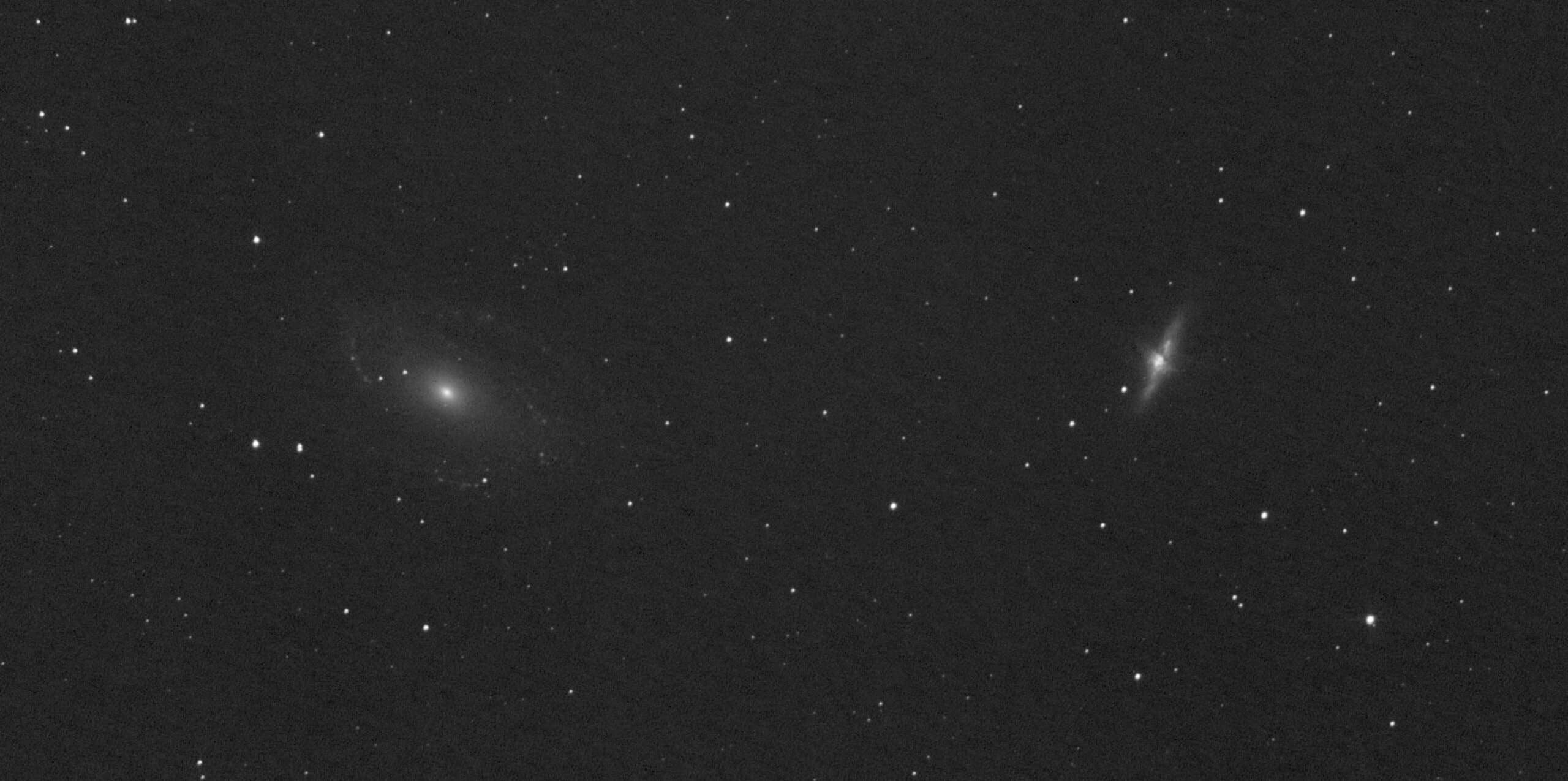
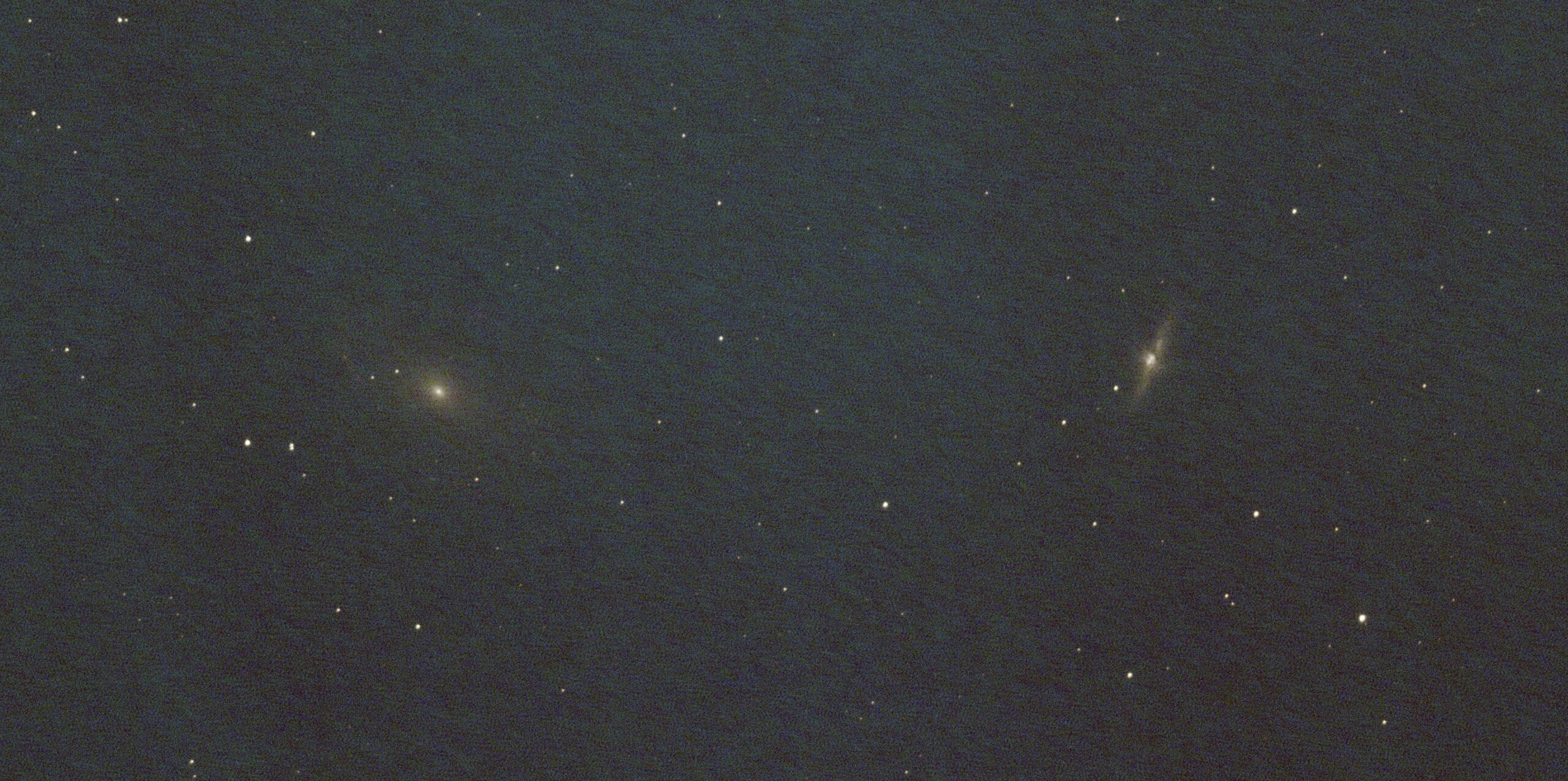
March 18, 2017 at 11:59 #12797GroenewoldParticipantSo that didn’t make much difference in the stars, but I tweaked a bit with using median instead of average, no background normalization etc and although it’s difficult to see, the background is better in this one. Also nice to have a bit of extra vignetting correction, the flats didn’t fully correct that. I do seem to have some pattern in the background signal.
 March 18, 2017 at 12:08 #12801HaverkampParticipant
Median is with more than 10 frames alwyas inferior to average stacking Vincent, so I would suggest only to use median with just a couple of frames. Have you applied bias or darks, or a BPM in calibration?
Why use no normalization? Normalization is actually an essential part of stacking. Or did you mean bacgkround neturalization? If you are working with monochrome data, like you do, this setting has no influence. It only applies to RGB data.
March 18, 2017 at 12:21 #12810GroenewoldParticipantOk, I just tried a couple of things as I learn like that. :) I figured I didn’t have enough frames for proper averaging. I applied darks, but no bias yet, I’m making those again right now as I didn’t have the raw files anymore. Will post an update when those are also included.
Background neutralization indeed, but good to know it also doesn’t make a difference here, the difference I see must than have been the extra vignetting correction. I’m learning fast and liking it more and more.
March 18, 2017 at 12:27 #12812GroenewoldParticipantPs. I’m adding BPM now, but I had this flow of changing stuff and then jumping to tab 6 immediately. But I now notice it doesn’t recreate the masters with tweaks I added, so it’s better to go tab by ta again when tweaking stuff in the workflow?
March 18, 2017 at 12:46 #12821HaverkampParticipantBelow in the file list panel, you’ll see the column frame with markings about the progress of the frames in the actual processing,
CA = calirbated
STAR = star analyse
REG = registered
NORM = normalized
So if you want to tweak settings before normalisation, you can choose to click on create calirbation masters again. You’ll go to CA fase again. Then click on stack again in 6) integrate.
March 18, 2017 at 12:47 #12823HaverkampParticipantMaybe I can make a setting where you can choose directly to go to a certain fase again in the “past” ?
March 18, 2017 at 13:00 #12830GroenewoldParticipantThat would be nice yes, I’m noticing I want to jump back, tweak, jump forward, in between etc and it’s getting rather crowded with huge filenames and to clearly see where I did what. This is how I work with the History explorer in PI. But I didn’t notice those extra markings yet, so that also helps.
-
AuthorPosts
- You must be logged in to reply to this topic.