

Activity › Forums › Astrosoftware › Astro Pixel Processor › Processing poging M94
Tagged: APP
- This topic has 5 replies, 2 voices, and was last updated 9 years, 5 months ago by
 Haverkamp.
-
AuthorPosts
-
April 30, 2017 at 16:20 #14666
 van der HoevenParticipant
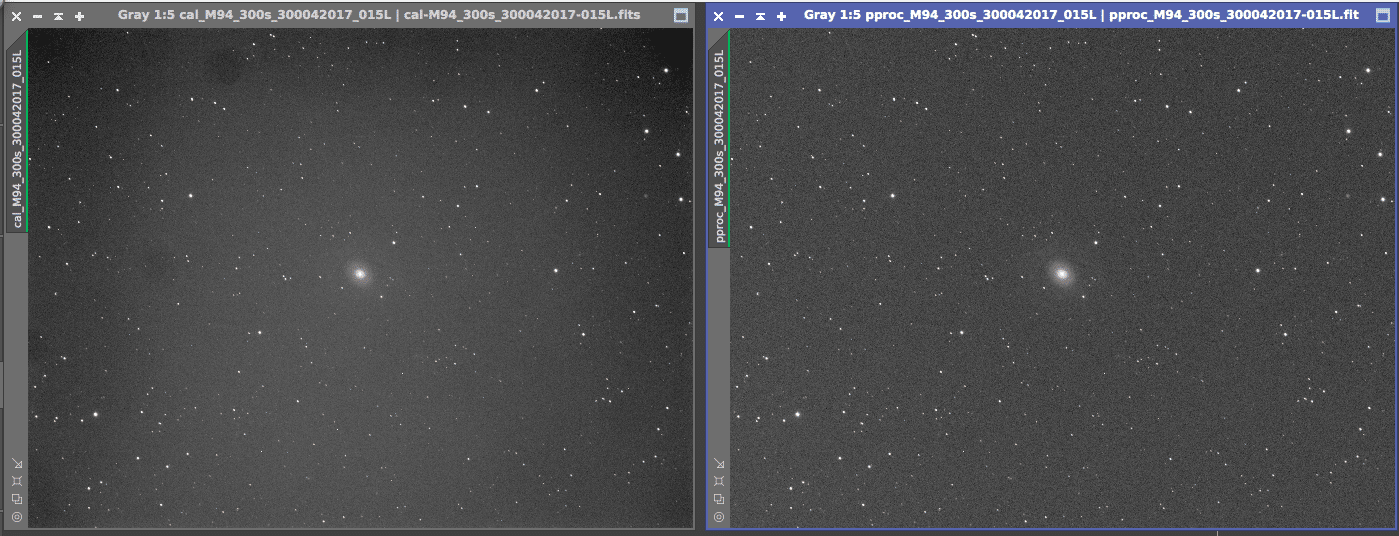
Ik ben vandaag eens begonnen met het verwerken en testen van een processing van M94 data van afgelopen nacht. Het eerste waar ik tegenaan loop is de calibratie. Normaal calibreer ik altijd met nebulosity. Als ik het in APP doe blijft er nogal wat over na de calibratie lijkt het. Zie onderstaande opname. Rechts is nebulosity, links is APP. Wat doe ik fout?
 April 30, 2017 at 21:12 #14670
 HaverkampParticipant
Bedankt voor het sturen van je data, ik zal hier terugkoppeling geven als ik er naar heb kunnen kijken ;-)
April 30, 2017 at 21:47 #14675HaverkampParticipantAndré send me the following files so I could test his calibration workflow:
2 bias frames
2 dark frames
2 flat frames
and 1 light frame.
I will only use the darks for the creation of a Bad Pixel Map. So the light will be calibrated with a masterbias, a masterflat created out of bias calibrated flats and the Bad Pixel Map.
First I’ll create the Bad Pixel Map.
I load the 2 darks and the 2 flat frames, at 2) calibrated I select “create bad pixel map”. (I set the hot pixel kappa at 1 since I only have 2 dark frames )
 April 30, 2017 at 21:54 #14678HaverkampParticipant
I now deselect create bad pixel map and I clear the file list by pushing clean in 1)LOAD
I load the 2 bias and 2 flat frames and in 2) calibrate I set the integration at median integration since I only have 2 frames, for both bias and flat calibration.
I click on create calibration masters.
APP wil now automatically
first creat a masterbias,
then the masterbias will be applied to the flats
and the master flat is created out of bias calibrated flats (which is essential, check the B’s in the frame column for the flat frames.)
 April 30, 2017 at 22:02 #14684HaverkampParticipant
Final step is to check the calirbation of the light.
First I remove the flats and bias from the file list
at 1)LOAD, i click on the “ALL” switchbox to the right of the flat/bias button. This deselects the flats/bias frames. Then I click on “clean” to the right of the swithchbox. All bias and flat frames are now removed from the file list.
I then add the BPM and the light frame.
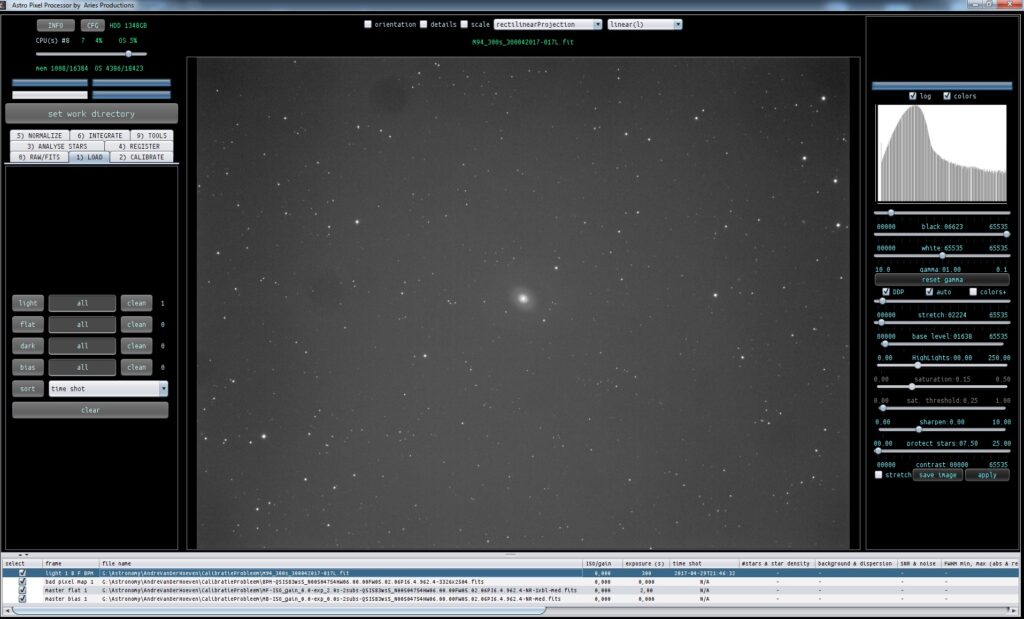
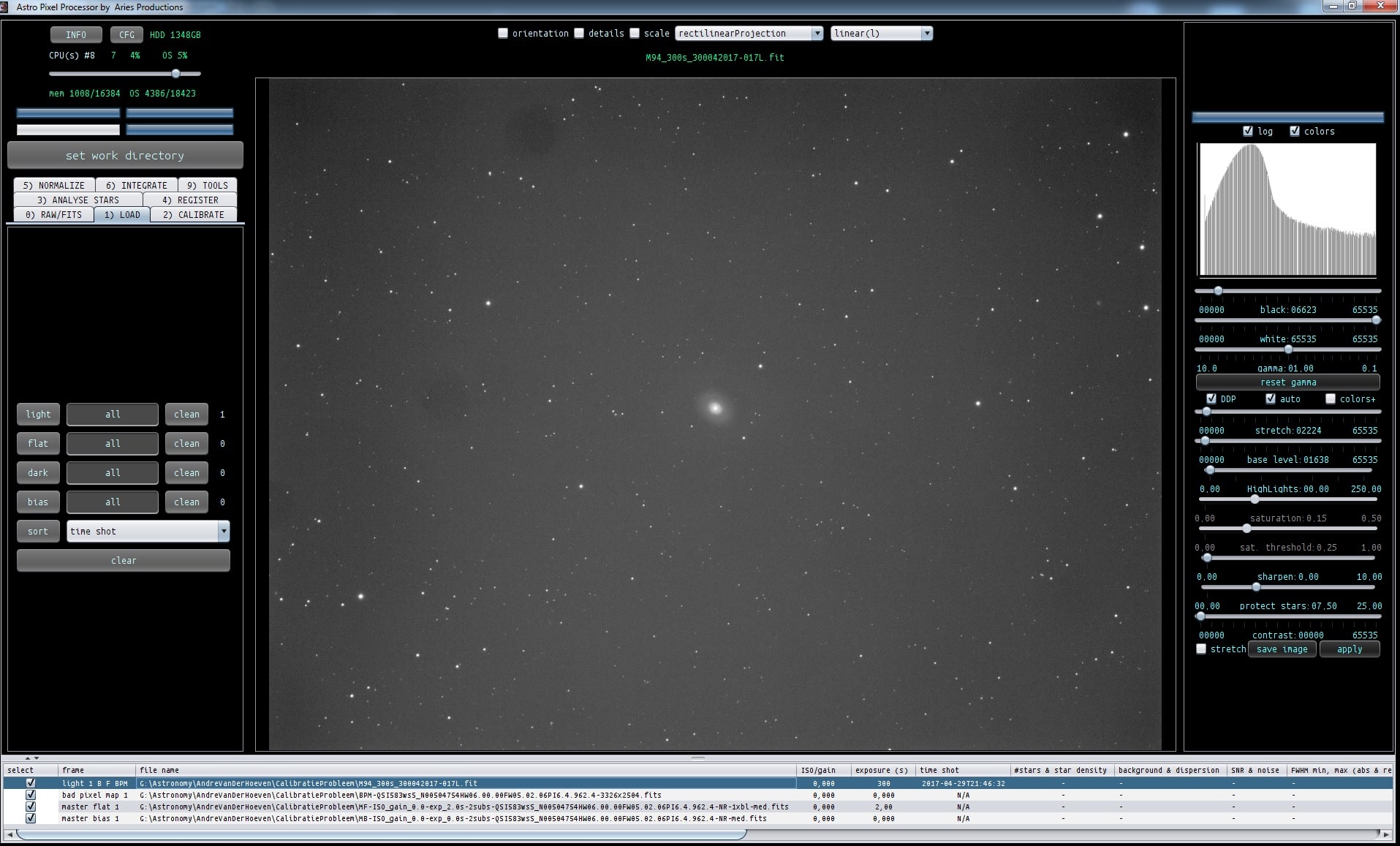
I load the light frame linearly which is the first image,
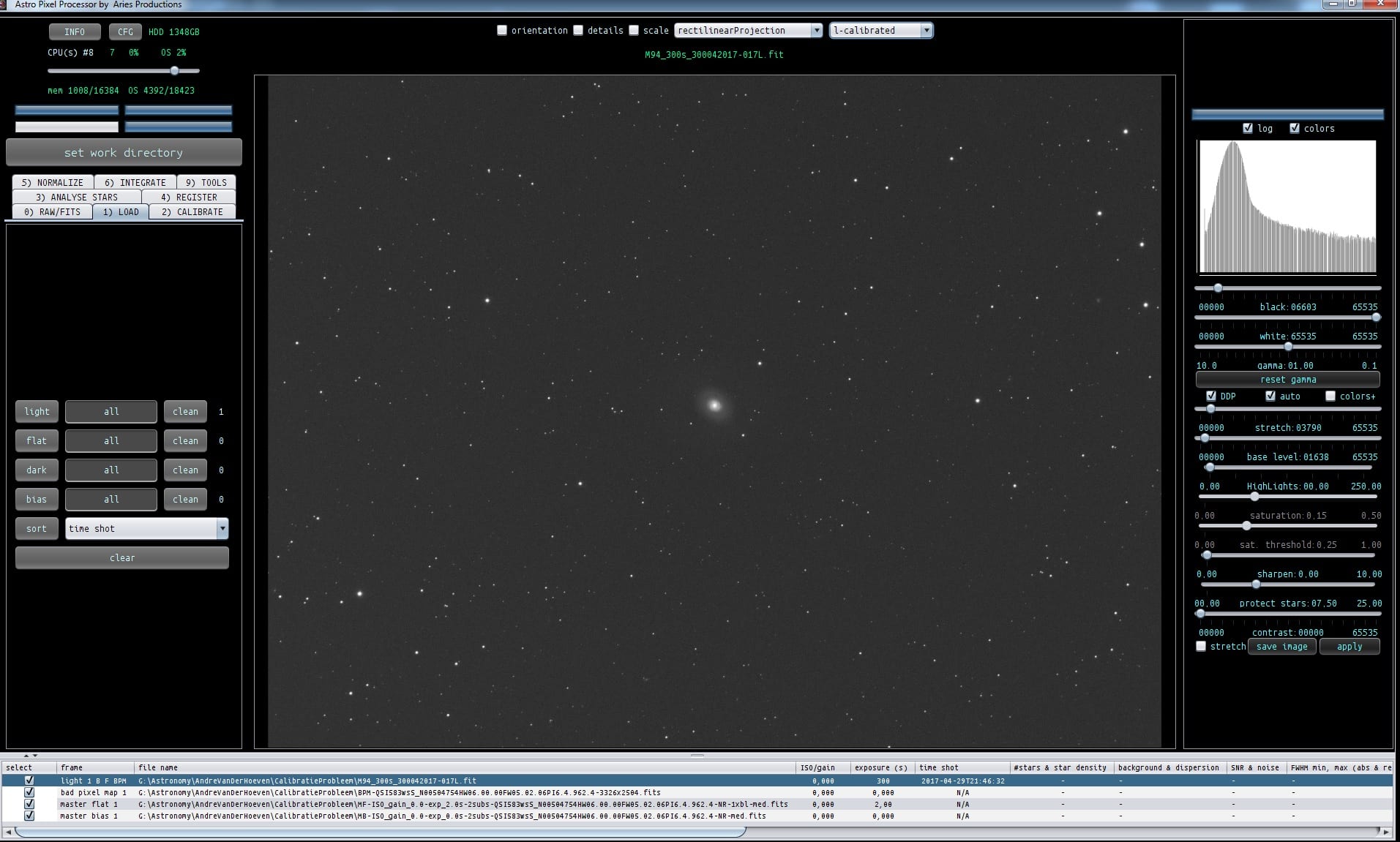
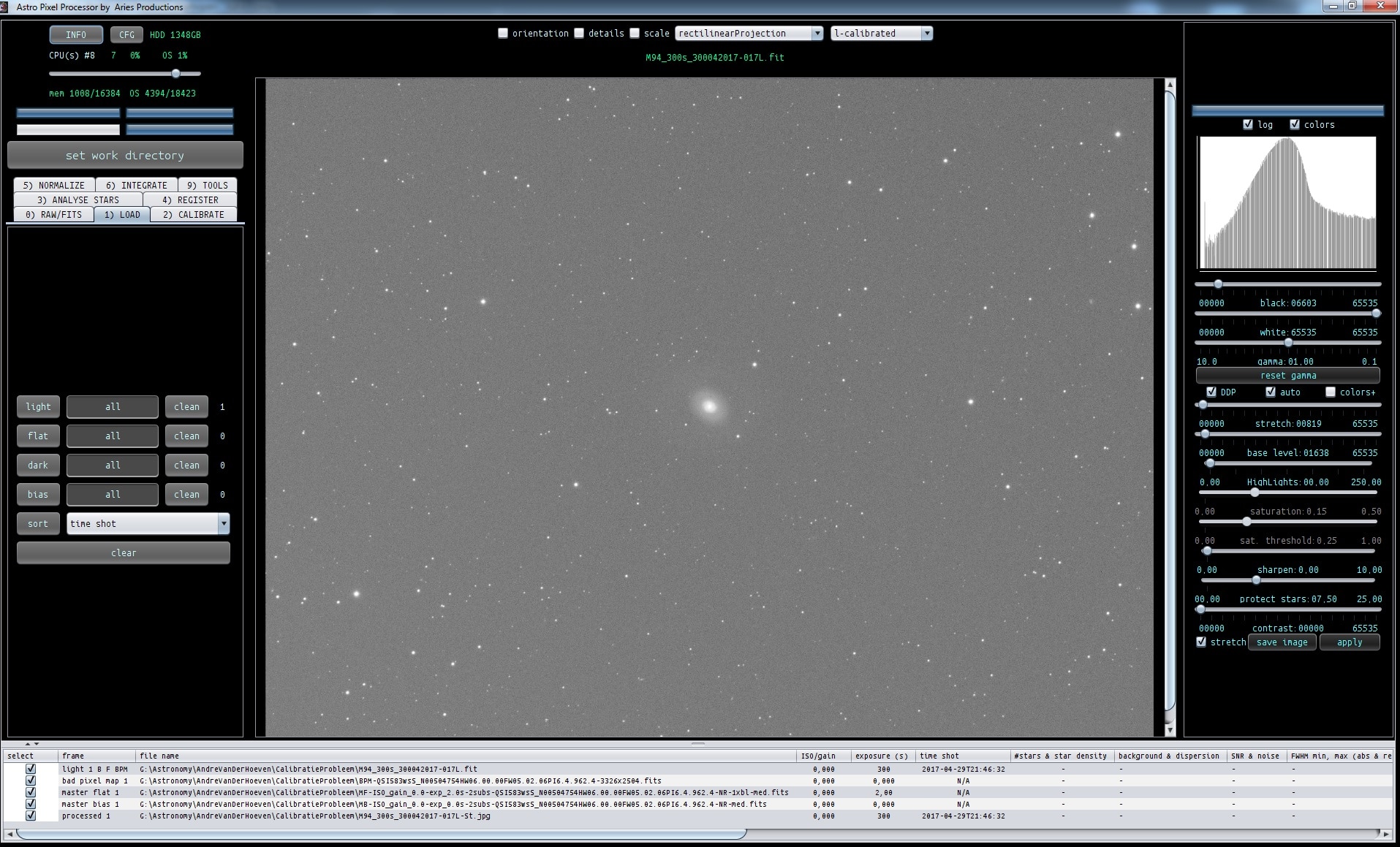
and secondly with l-calibrated to verify calibration. Result looks good to me ;-)
André, possibly, the error in calibration that you had, had to do with the flats not being bias calibrated?
 April 30, 2017 at 22:09 #14689HaverkampParticipant
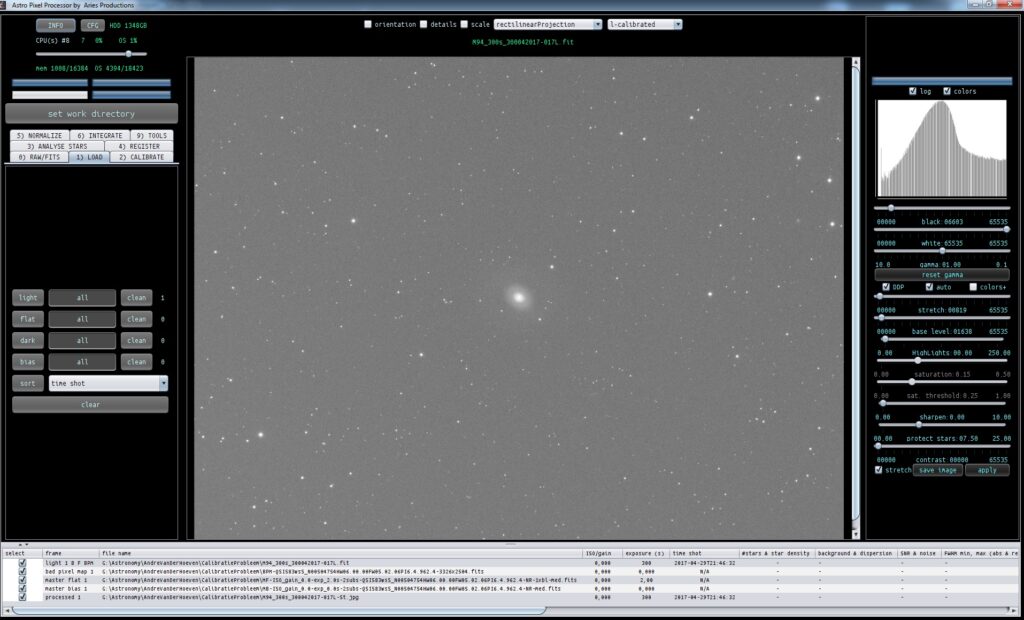
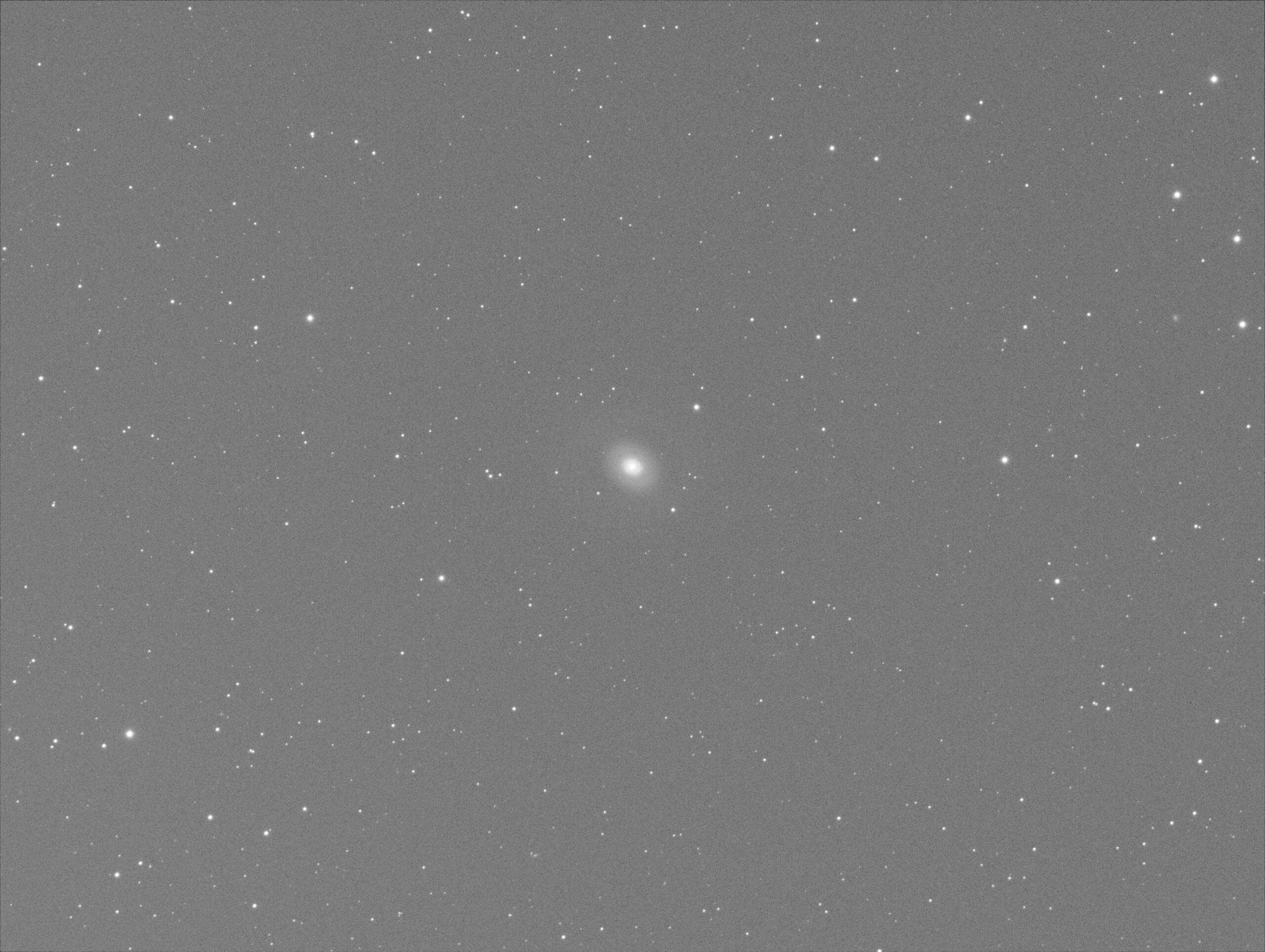
Finally, I strongly stretch the calibrated light frame to check if the bias, flat, bpm calibration is working effectively, I think it is working perfectly ?
-
AuthorPosts
- You must be logged in to reply to this topic.