

Activity › Forums › Astrosoftware › Astro Pixel Processor › The bottom file window not visible
Tagged: APP
- This topic has 6 replies, 2 voices, and was last updated 9 years, 6 months ago by
 KeesScherer.
-
AuthorPosts
-
March 31, 2017 at 10:14 #13573
 KeesSchererParticipant
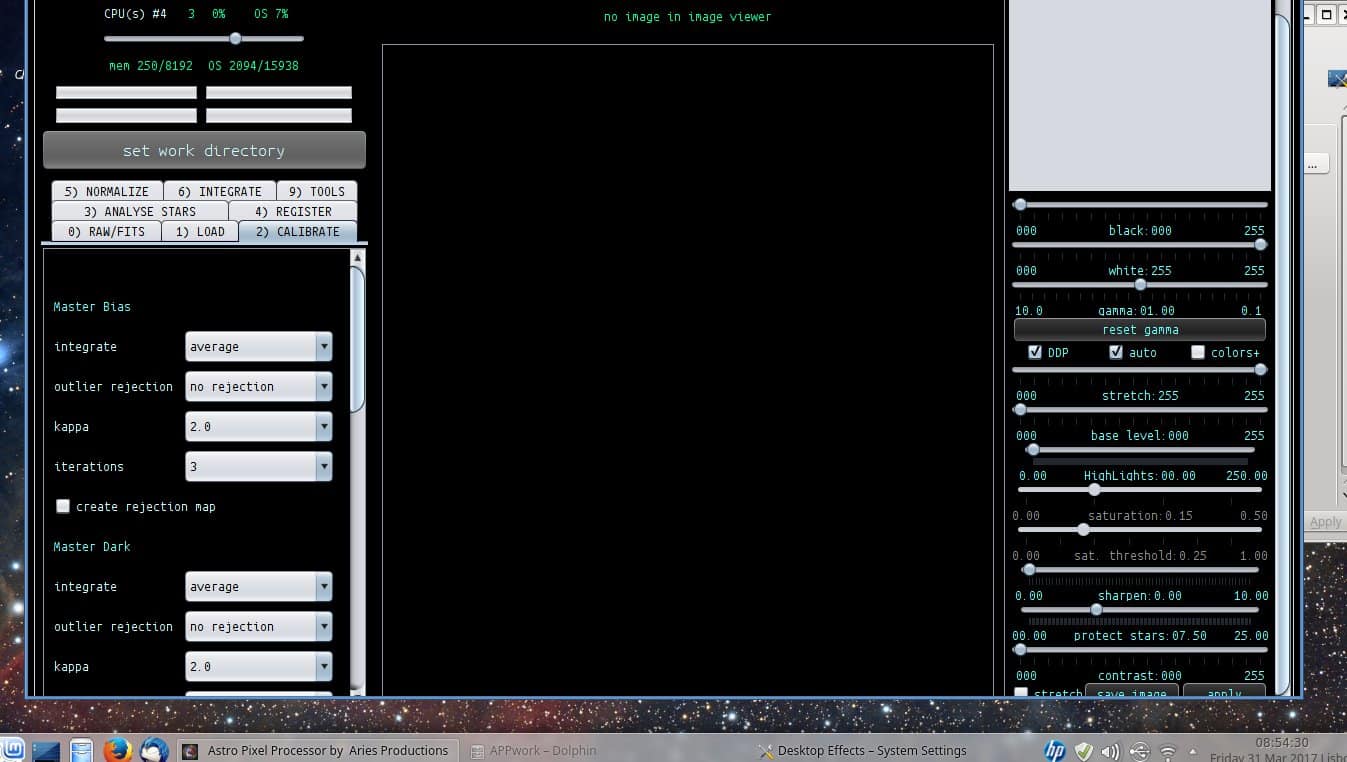
My Panasonic Toughbook screen is 1366×768 and does not show the bottom file window. (Linux DEB 8GB version 1.034.2 and earlier too?) When i make the APP window as small as possible on my other laptop with HD screen the window size is 1266×743 so the 20 pixels or so cause APP to skip the lower Window?
 March 31, 2017 at 19:19 #13601
 HaverkampParticipant
Hi @keesscherer, yes, I think I should be able to fix this.
Currently, APP has a fixed minimum size in display resolution of 1280 x768
I will try to reduce that to: 1024 x 600 if possible.
I will put this on the RFC.
Thanks,
Mabula
April 1, 2017 at 13:31 #13635KeesSchererParticipantAPP has a fixed minimum size in display resolution of 1280 x768
That can not be true because i can not see the bottom file window on 1366×768………..
April 1, 2017 at 16:17 #13638HaverkampParticipant@keesscherer, sorry but it is, it’s the minimum resolution of APP. It’s hard coded in the application at the moment so it’s pretty hard to be dishonest about this. See the screenshot.
The bottom file window probably doesn’t show because your OS can’t let APP work on a height of 768, due to reserved space for a OS task bar, or something else. I realize now, that I need to compensate for that. It’s on the RFC…
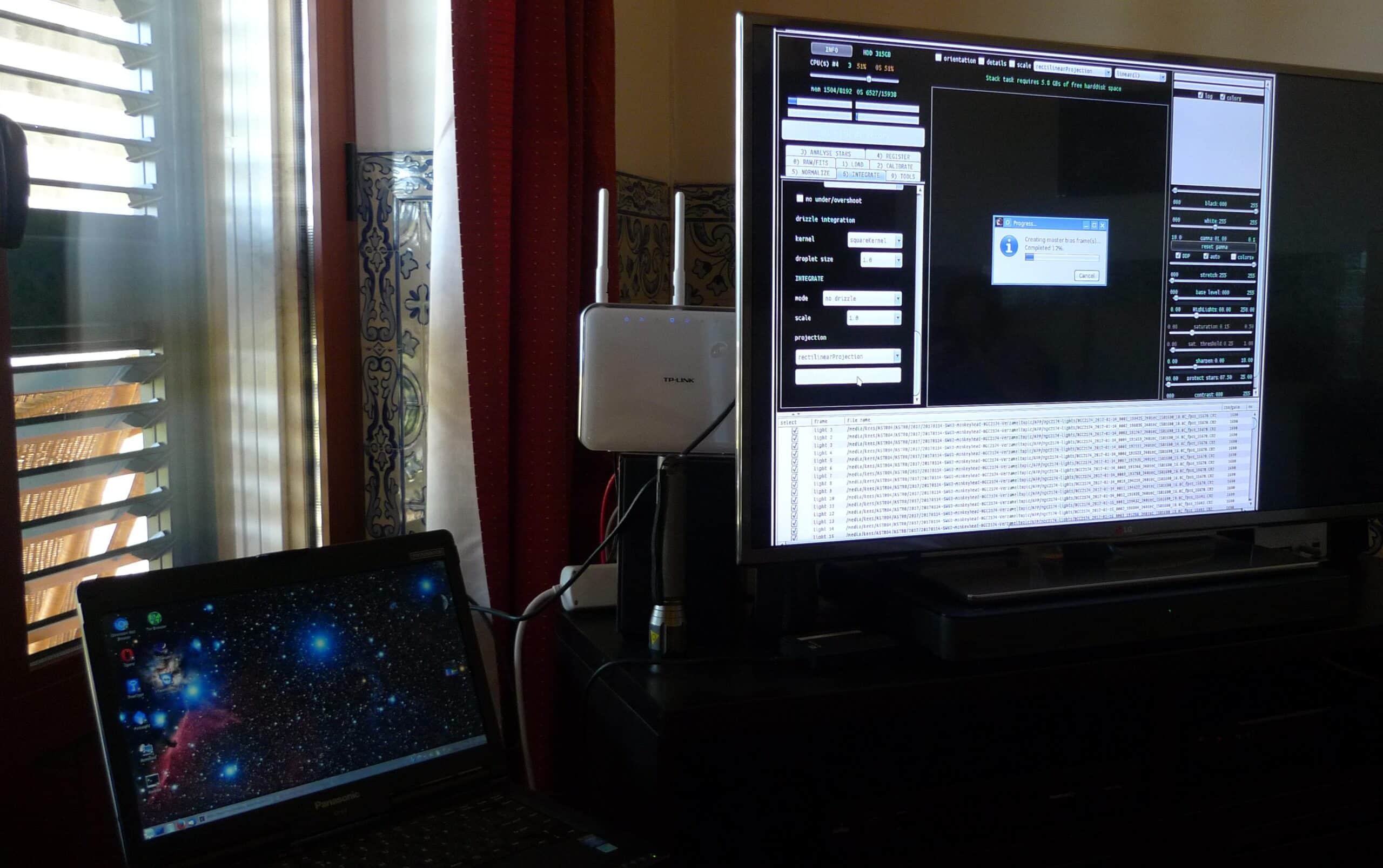
April 1, 2017 at 17:45 #13639KeesSchererParticipantOk, i will use an external monitor on the Toughbook for now. Although i still find it strange that as you can see in my original post, i can move the APP screen up on the desktop but i still can not see the bottom window. In that situation i should be able to work with APP in minimal screensize.
April 1, 2017 at 22:50 #13659HaverkampParticipantYes, I totally agree with you on that @keesscherer.
I’ll try to make it work better on a 1366×768 screen ?
Possibly, APP shows some strange behaviour in this case as well, as you are describing.
I’ll make an extra note in the RFC list to test it myself on 1366×768.
April 3, 2017 at 14:52 #13729KeesSchererParticipantThat’s what they call a work around, with an external monitor i can see the extra bottom screen in APP. (But i forgot to acually use it…just stacking with 2 sets of bias to see if that works.
-
AuthorPosts
- You must be logged in to reply to this topic.