

Activity › Forums › Astrosoftware › Astro Pixel Processor › Ha, OIII, SII stacking, how to?
Tagged: APP
- This topic has 37 replies, 5 voices, and was last updated 9 years, 6 months ago by
 Musquetier.
-
AuthorPosts
-
March 19, 2017 at 21:27 #13041
 MusquetierParticipant
Thanks, that looks really good! I’ll do an attempt tomorrow evening on the OIII data as well using the above explanation.
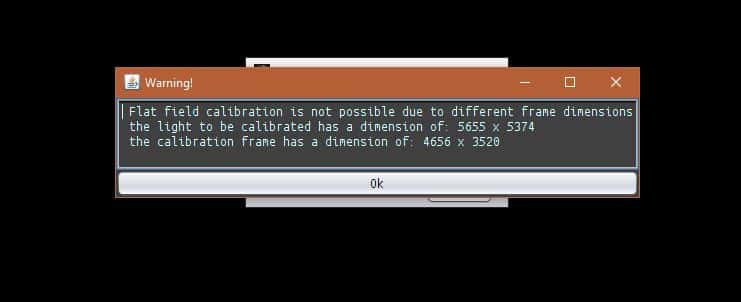
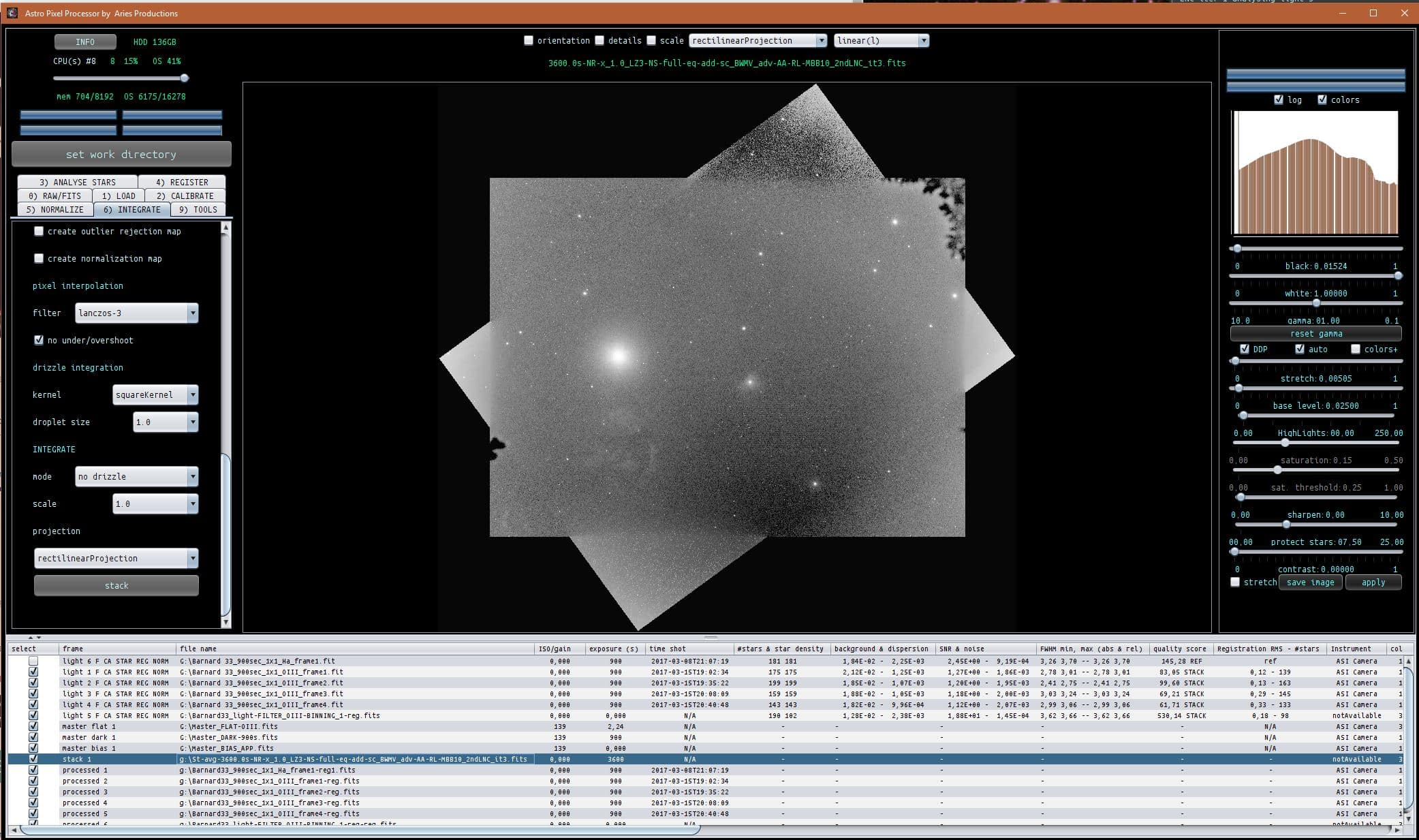
March 20, 2017 at 20:21 #13068MusquetierParticipantOk, I did the OIII in a similar manner as described for the Ha and got this result, I believed this worked out just fine. However I did get this warnings during steps 2 – 6…
 March 20, 2017 at 20:41 #13070MusquetierParticipant
Now I need to combine all the masters (RGB, Ha, OIII and SII). But I’m stil;l struggling with the difference dimensions of the images. How would I solve this so I can combine these images?
Note: I’ve upgraded to 01.033.5 before I tried these last two steps this evening…
 March 20, 2017 at 22:07 #13071
 HaverkampParticipant
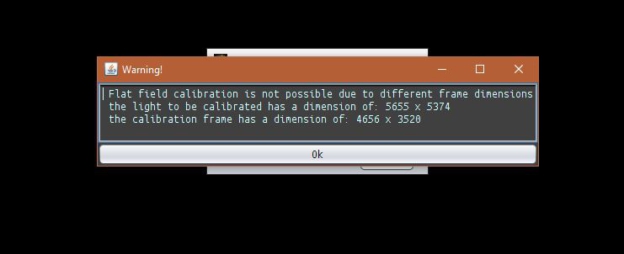
Ok, I did the OIII in a similar manner as described for the Ha and got this result, I believed this worked out just fine. However I did get this warnings during steps 2 – 6…
Hi Rob,
I am looking at the file list. You’re getting this warning, because you have loaded a master flat for the single lights. Which it will apply to. But it can’t and shouldn’t be applied to the old OIII stack from PI, since it has different image dimensions. So this warning is just a reminder to the user that he/she possible has a wrong flat loaded.
In such a case, I would recommend first calibrating your new lights with the calibration frames. And then saving the calibrated lights.
Next proceed with your newly calibrated lights and your old stack from PI. Then you should get no warning and integration should be fine.
March 20, 2017 at 22:14 #13072HaverkampParticipantNow I need to combine all the masters (RGB, Ha, OIII and SII). But I’m stil;l struggling with the difference dimensions of the images. How would I solve this so I can combine these images?
Hi Rob, to use the RGB combine (or composite) tool, all images need to have the same dimensions.
Just load the stacks as lights. And register them with Lanczos3 and No under/over shoot. And then save registered frames. Then all registered stacks should have the same image dimensions and the composition used is FULL, so no data is lost of any stack.
I will make a workflow soon for combination of multi channel monochrome data.
Usually, I just make the stacks per channel using FULL composition mode in 6) integrate, without registering the lights to one particular stack, (which you probably created first). It can be done that way, but it’s not necessary.
When you have all stacks, just load them as lights and register them and save the registered frames using Lanczos3 and No under/over shoot.
Let me know if this makes sense and if you can proceed.
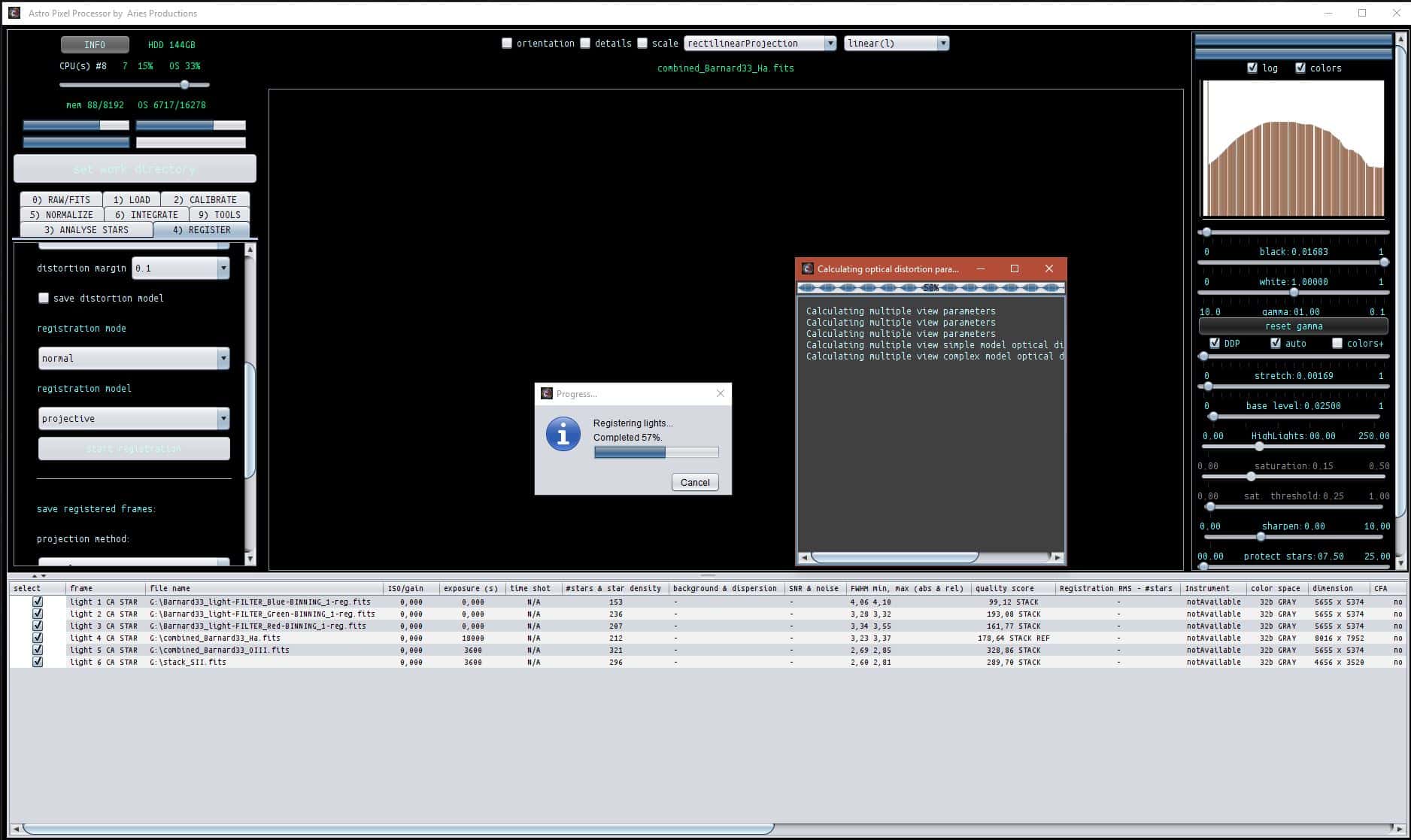
March 21, 2017 at 18:56 #13108MusquetierParticipantI tried the procedure as described in your last post but is seem to hang here.
NEVER MIND IT JUST TOOK A LOT OF TIME BUT IT DID FINISH AFTER ALL!!!
 March 21, 2017 at 19:10 #13111MusquetierParticipant
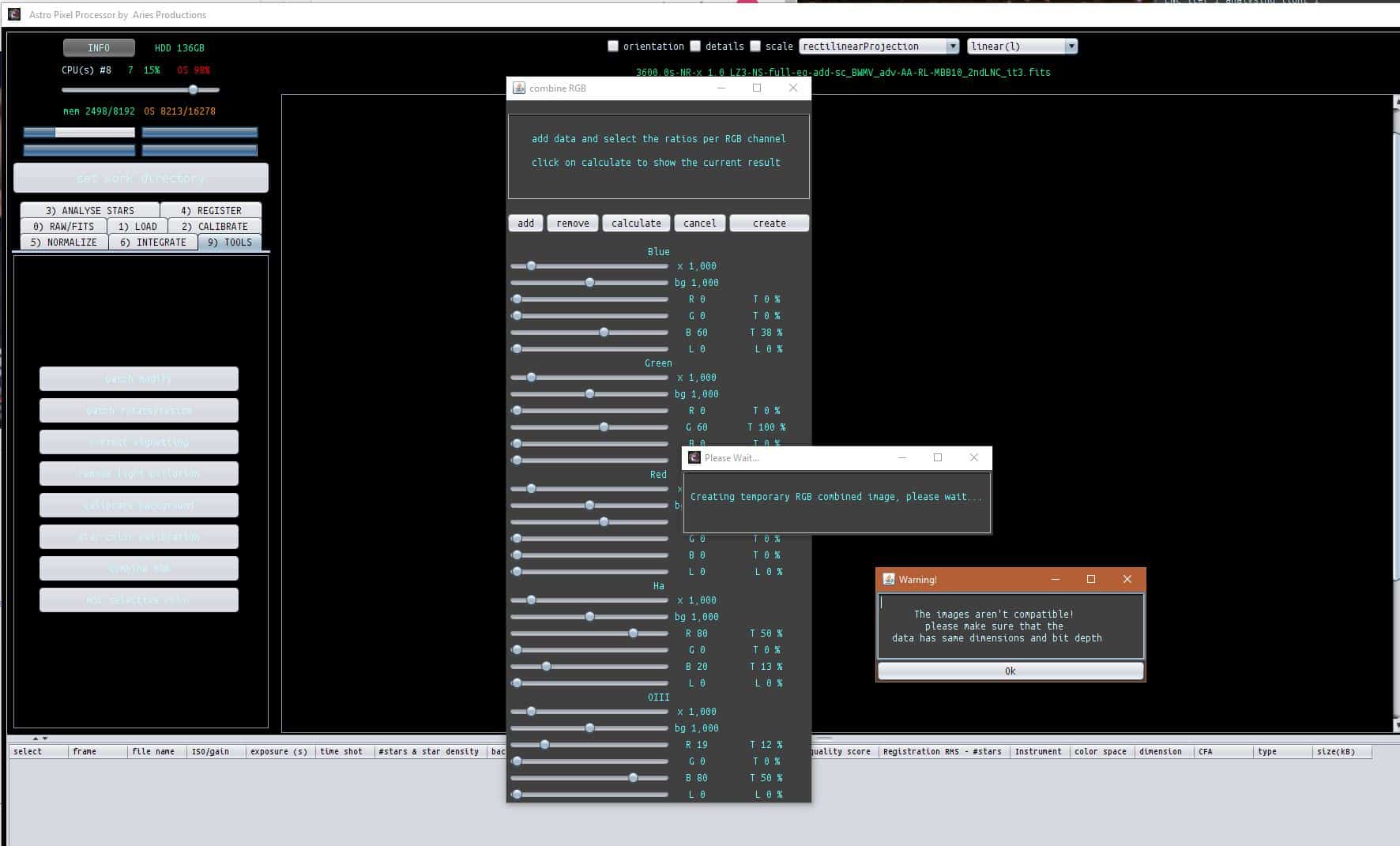
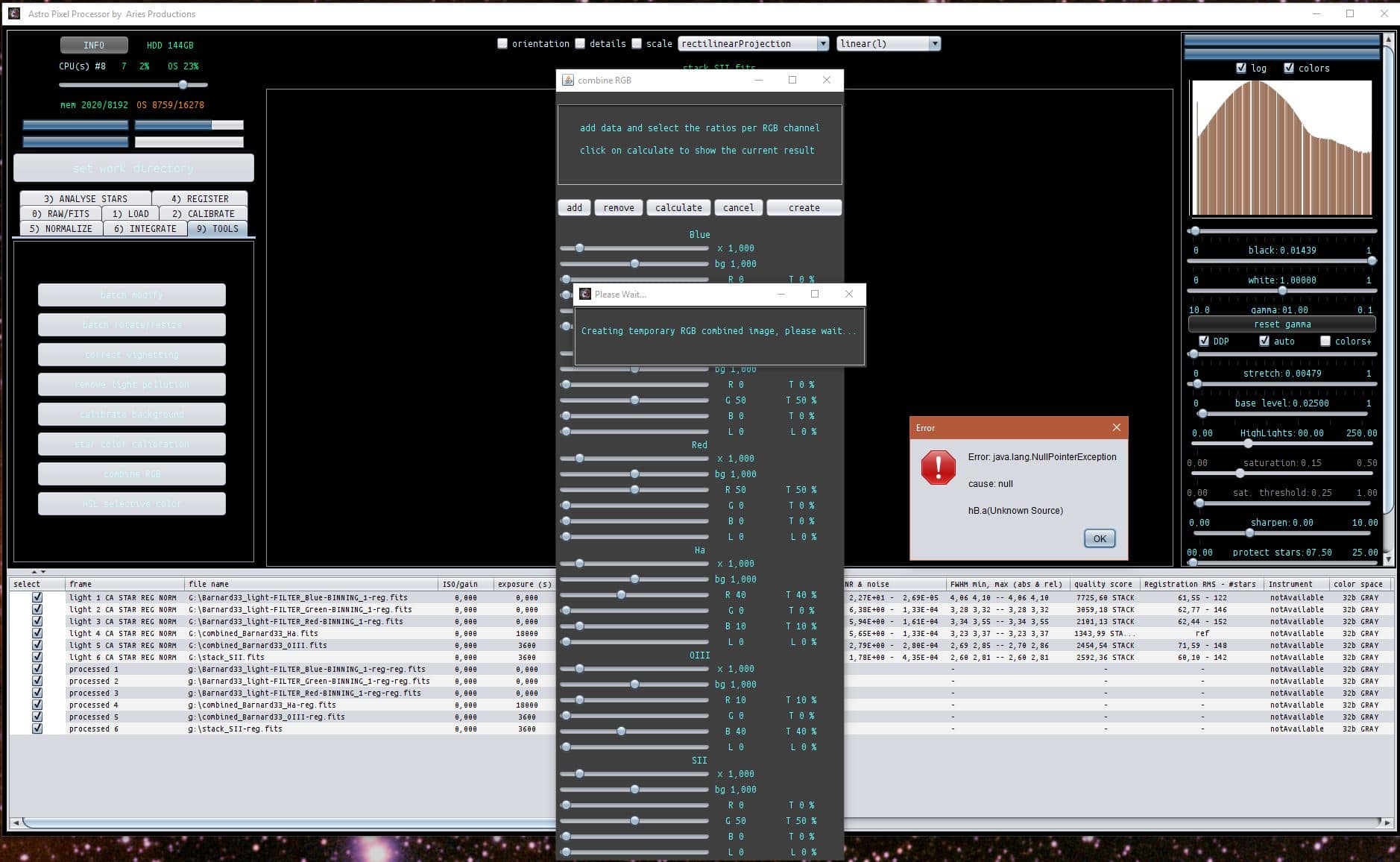
Ok, during combining RGB the next thing happened when the Calculate button was pressed:
 March 21, 2017 at 19:19 #13112HaverkampParticipant
I tried the procedure as described in your last post but is seem to hang here. NEVER MIND IT JUST TOOK A LOT OF TIME BUT IT DID FINISH AFTER ALL!!!
It can take some time to calculate distortion parameters, i’ll need to show how the RMS error improves during calculation so the user can see it’s working ;-)
March 21, 2017 at 19:23 #13115HaverkampParticipantOk, during combining RGB the next thing happened when the Calculate button was pressed:
Master bug finder Rob ;-),
can you share all 6 stacks? Then I’ll try if I can duplicate this problem?
And please check if it does work with only 3, 4, 5 layers instead of 6. ( I never get to combine 6 layers, so maybe the errror is in that part of the code..)
March 21, 2017 at 20:19 #13116MusquetierParticipantThe error only appears after the calculate button is pressed. The create button works but it takes a long time to open the 747 MB RGB picture from the SSD drive…
Re-registered files:
https://www.musquetier.nl/images/Barnard33_light-FILTER_Red-BINNING_1-reg-reg.fits
https://www.musquetier.nl/images/Barnard33_light-FILTER_Green-BINNING_1-reg-reg.fits
https://www.musquetier.nl/images/Barnard33_light-FILTER_Blue-BINNING_1-reg-reg.fits
https://www.musquetier.nl/images/combined_Barnard33_Ha-reg.fits
https://www.musquetier.nl/images/combined_Barnard33_OIII-reg.fits
https://www.musquetier.nl/images/stack_SII-reg.fitsRGB combined, rotated and cropped image:
https://www.musquetier.nl/images/Barnard_RGB_rotated_cropped.fitsMarch 21, 2017 at 20:30 #13117HaverkampParticipantOkay, i’ll have a look now..
Rob, please check the URL of the OIII stack, this stack has clearly different image dimensions than the other stacks..
March 22, 2017 at 08:18 #13132MusquetierParticipantSorry ik had de verkeerde files voor Ha en OIII geupload. De juiste versies van deze files staan nu in de posting hierboven…
PS iets anders wat ik net tegen aanliep, als een file geopend wordt die op dat moment gelocked is (in dit geval een van de files die ik ook aan het ftp-en was tijdens de file open fase in Combine RGB) dan komt er ook een null point exception popup…
PPS: Nog iets wat ik zag was dat als de Calculate of Create (en wellicht ook bij de andere knoppen) van Combine RGB werden ingedrukt dat deze dan niet geblokkeerd worden tijdens het uitvoeren van het onderliggende proces. Deze kunnen dan dus nog steeds worden ingedrukt wat vast tot onvoorspelbare uitkomsten kan leiden…
March 22, 2017 at 09:55 #13142HaverkampParticipantThank you Rob, I’ll proceed in English now…
I am downloading the OIII & Ha stacks and I will try to duplicate the error you received.
About the other 2 bugs you mention, indeed more things to fix, I have put them on the RFC list ?
The link of your combined image seems wrong as well, it’s a 171MB file instead of the mentioned 750MB?
March 22, 2017 at 10:22 #13145MusquetierParticipantI forgot to mention that the original combined image was indeed 747MB but then I cropped and rotated it (using APP ;-) which shrunk it substantially.
March 22, 2017 at 10:53 #13148HaverkampParticipantHoi Rob, de bug is gevonden, gelukkig een hele kleine, maar wel vervelend om tegen aan te lopen.
Heb even wat met de combinatie gespeeld. Je gaat enorm veel winnen qua resultaat als je voor het doen van de RGB combine tool, eerst alle lagen zo goed mogelijk corrigeerd voor gradienten met de Light Pollution correction tool. En ik zie dat de Blauwe stack mogelijk een sterke flat over correctie heeft gehad? Als je dat kan corrigeren dan zal dat veel helpen.
Hier even een screenshot, ziet er nog niet zo goed uit, maar laat zien dat de tool in de volgende release zal werken. Kijk maar eens naar de waardes die ik nu heb ingevuld voor de composiet.

-
AuthorPosts
- You must be logged in to reply to this topic.