

@bula
active 4 years, 11 months agoForum Replies Created
-
AuthorPosts
-
May 1, 2017 at 20:00 in reply to: Calibration frames with different ISO settings, how to process? #14730HaverkampParticipant
Thank you @mauricetoet, yes, I feel the same way. Using the l-calibrated image viewer option immediately tells you if calibration is working correctly. I always check it before I continue to star analysis.
On the other hand, while creating the master frames, it will be most helpfull to give warnings to the user if they follow a calibration workflow in which the bias correction is not done properly for both light and flat frames. I really feel the bias pedestal is the root cause of most calibration issues, especially proper flat-field correction. So like @keesscherer recommended, I will try to create a warning system in the calibration engine which could be shut of as well.
May 1, 2017 at 19:49 in reply to: Calibration frames with different ISO settings, how to process? #14727HaverkampParticipantHoi @musquetier,
Your multi-channel workflow is correct I would think, although, I have 3 remarks:
1) when you have applied flats, the correct vignetting step is not needed, since you should have corrected the vignetting of your data with the flats ? So the correct vignetting function is only needed when the user doesn’t have adequate flats at that moment in time. For instance, the tool can be used for a quick review of your data if you haven’t made flats yet. Or if you are struggling with proper flat correction with really short focal lengths ( less than 200mm).
2) if you need to apply dark frame calibration/correction on your lights due to Fixed Pattern Noise in the dark current (which you have with the asi1600), don’t use bias, the bias is always in the darks, like @mauricetoet indicates as well.
3) Regarding the flats, either subtract a masterbias or subtract a master darkflat (or is it flatdark…) of the same offset and gain as the flats. ?
2) and 3) are both recommended versus applying both bias and dark subtraction.
If you do subtract both bias and dark masters, then always convince yourself that the bias is subtracted from the darks in the masterdark creation, otherwise you subtract twice the bias pedestal which you don’t want to do.
May 1, 2017 at 13:01 in reply to: Calibration frames with different ISO settings, how to process? #14707HaverkampParticipant” But it will prevent a lot of DSLR users, who did it in the wrong way, from processing old data right?”
No completely wrong I am afraid…
Calibrating old data is perfectly fine and possible in APP, why wouldn’t it be?
I am even calibrating old data from 2013 from Scott, @srosenfraz, which was sub-optimal calibrated with Images Plus. (Scott and I are working on a big project) So Scott and I decided to do it all over again which is working perfectly ? and we now have the benefit that Scott’s calibrated files are debayered with Adaptive Airy Disc instead of VNG which is much better for his DSLR RGB data. Scott has confirmed this to me as well.
“The flat calibration is done, but visually it seems it isn’t.”
That is because the master flat was created out of flats which were not bias calibrated. Then you will always see that the flat correction isn’t working as it should.
” So in the end these people just have to use PI or something to use the old flats then, which is fine by me, but I can imagine it can create some disappointment for others. ”
No, you are making invalid assumptioms here again I am afraid. Why would a program be able to calibrate rectenly created files perfectly but not files of an older age. That doesn’t make sense at all I think.
Like I said, APP can perfectly calibrated all known calibration paths, also on data that is ancient, as long as the right calibration files are supplied.
” So maybe doing it the PI way with HUGE warnings and telling people they should change their workflow in the future might be a good thing for a first version? I however totally get you don’t want to get into a slippery slope. ”
No, since this is simply not necessary.
It is quite clear that the principles of data calibration are hard to grasp and I will defintitely try to explain this thoroughly in APP’s manual and in warnings during the creation of the master frames.
Data calibration is a very important step in your data processing and I will not implement solutions that will give the user suboptimal results for the sake of simpler user experience. To me, that would be really dissapointing in such a scientific application…
May 1, 2017 at 10:54 in reply to: Calibration frames with different ISO settings, how to process? #14700HaverkampParticipant@keesscherer, thank you for your explanation and suggestions ?
Firstly.
” There needs to be a diagnostics step that tells the user what is wrong at this point. And there needs to be a short, clear workflow with just the steps for calibration of DSLR images with flats taken at a different iso setting. ”
I totally agree with you, i’ll work on that in the manual, instruction videos and I will put warnings in APP in the calibration process, to directly help the user to get optimal calibration.
“My point is that the program has a built in indication next to the lights “B”, “F” but that indication has no meaning when you load all masters and lights. Furthermore there is no check done by APP for this so it just starts to stack.”
This assumption is not correct, let me try to explain.
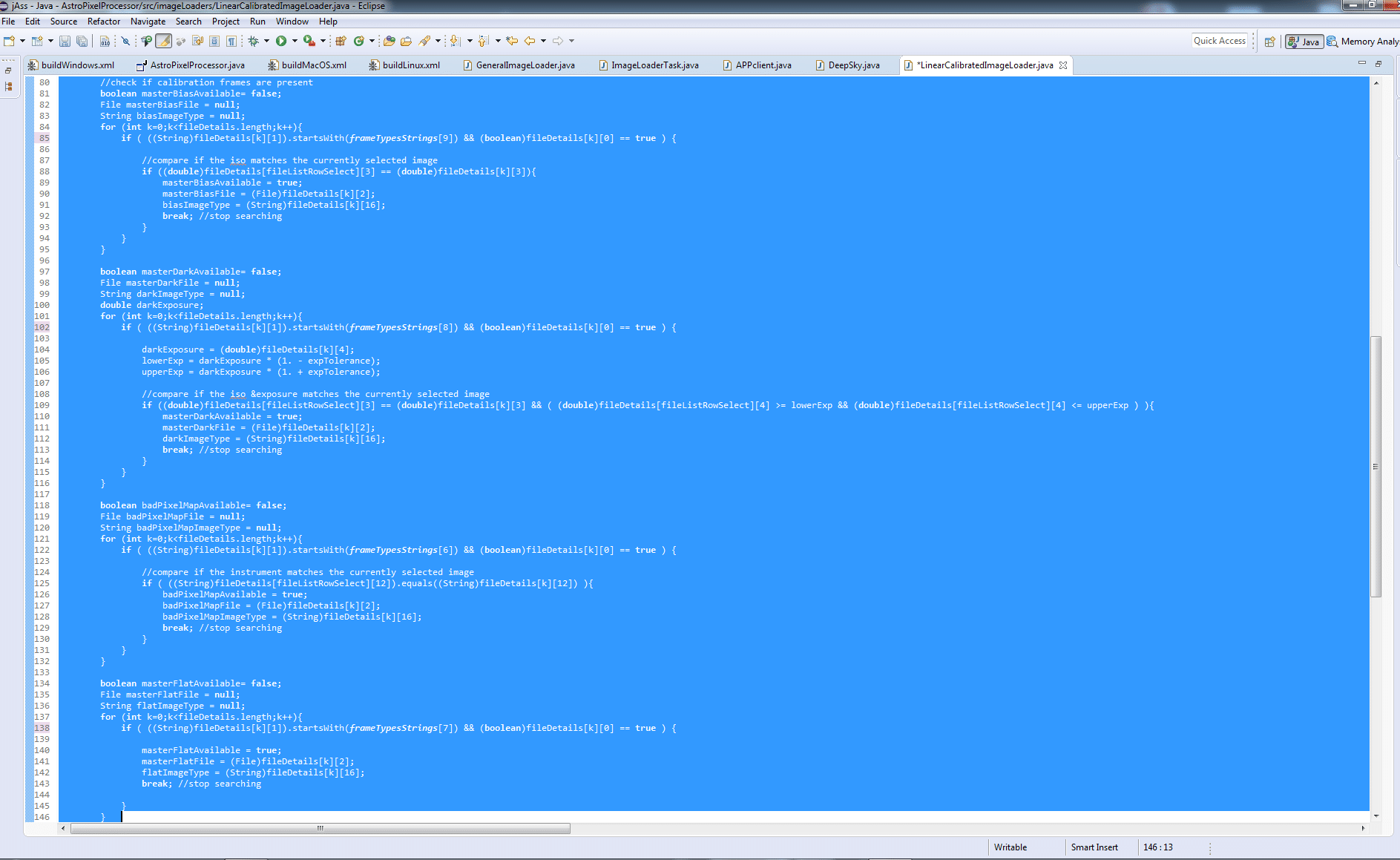
Everywhere in APP where frames are calibrated these checks are done thoroughly, see screenshot 1 for the calibration code of finding and applying the masters (bias, dark, flat, BPM) to a light.
In a previous post, you mention the flat calibration is not done, although the F mark is visible. This assumption is not correct as well. I can assure you that the flat calibration is done, but with a badly prepared master flat. If you put bad master frames into APP it will never automatically adjust it. Nor would pixinsight or nebulosity or any other program. There simply isn’t any information present to detect if the master frame is badly prepared and neither is there information present to “know” how to magically correct this.
Therefor your suggestion to create built-in warnings in het calibration engine while preparing the master frames is a very good idea which I’ll definitely try to implement.
Lastly,
“A suggestion from me that will save you a lot of headaches in the future is to (And this is as we say in the Netherlands “Cursing in Church”) Add the following checkmark/option: “Calibrate flats with same (ISO/Gain) bias as Lights”
I think that your suggestion is to make something that is fundamentally wrong. Let me try to explain:
If you have
light frames of iso1600 and
a masterbias of iso1600.
and flat frames of iso 200
And you would apply the iso1600 masterbias on the iso200 flats, the read noise patterns in your flats are going to be strongly overcorrected wih a factor of 8, which is clearly something you don’t want to do.
(And I really think that you have been doing this consistently in your calibration routine in PI, for which PI didn’t issue warnings to you ? or did it ?)
( the ADU count of a pixel with iso1600 is roughly 8 times the ADU count of that pixel with iso200 for the some number of electrons, e-, that were freed by the received photons that were captured by the pixel.)
You might think, why not use that factor 8 as a correction factor? Well this could only give robust and reliable results if all camera’s behave perfectly linear with respect to change in iso or gain. This is hardly the case, so this correction will never give reliable, robust or optimal results. Therefor, I will not implement this since it is bad practice.
Other applications do let the user do this and this leads to a lot of photographers having sub optimal calibration results without them even knowing it, which really isn’t my goal to achieve with APP.
 April 30, 2017 at 22:43 in reply to: Calibration frames with different ISO settings, how to process? #14693HaverkampParticipant
Why can’t we test this quickly and why won’t you let me help you?
Or better, what is unclear to you in my first post in this thread?
Maybe I need to write things down differently. I need to know this, because otherwise, the manual won’t help you as well I think. This would be a shame, since APP can perfectly perform all known calibration paths that are known.
April 30, 2017 at 22:31 in reply to: Calibration frames with different ISO settings, how to process? #14691HaverkampParticipantin my first reaction to @mauricetoet’s question in this post I explained everything I think. As everyone could see, Maurice was able to perfectly calibrate his f/2.8 DSLR data with flat & light frames which had different iso values. Off course, his data is much more sensitive to a possible bad calibration with his fast focal ratio.
I offer you to demonstrate it on your data, it’s no trouble. I can even make a movie of it if you wish?
I would only need 2 bias frames of iso 1600 & iso 200, 2 flat frames, and 1 light frame to show you how it’s correctly done.
It really isn’t very complicated and it is done in a couple of minutes time.
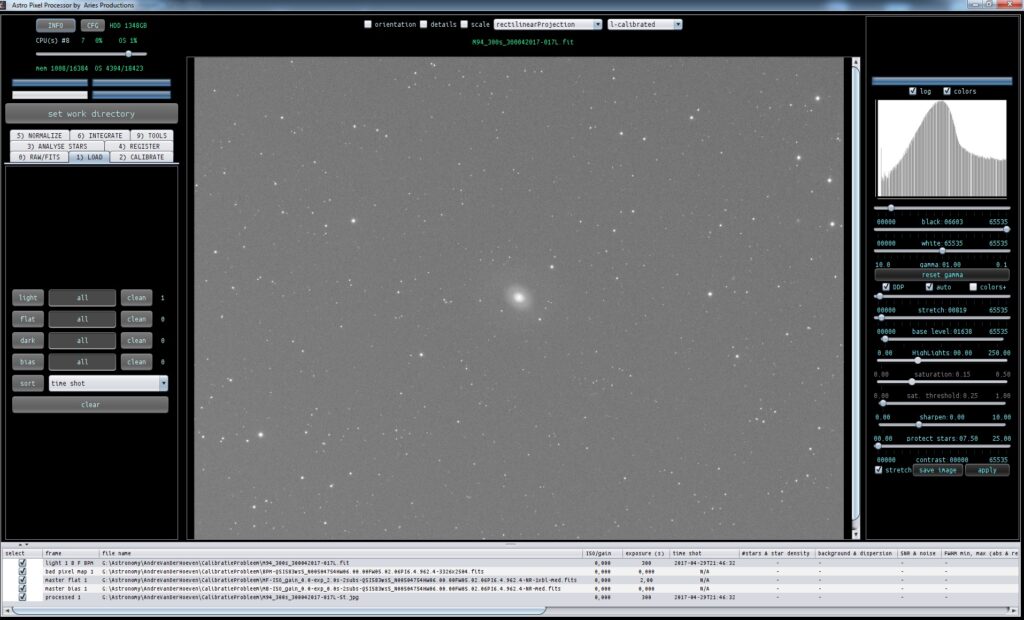
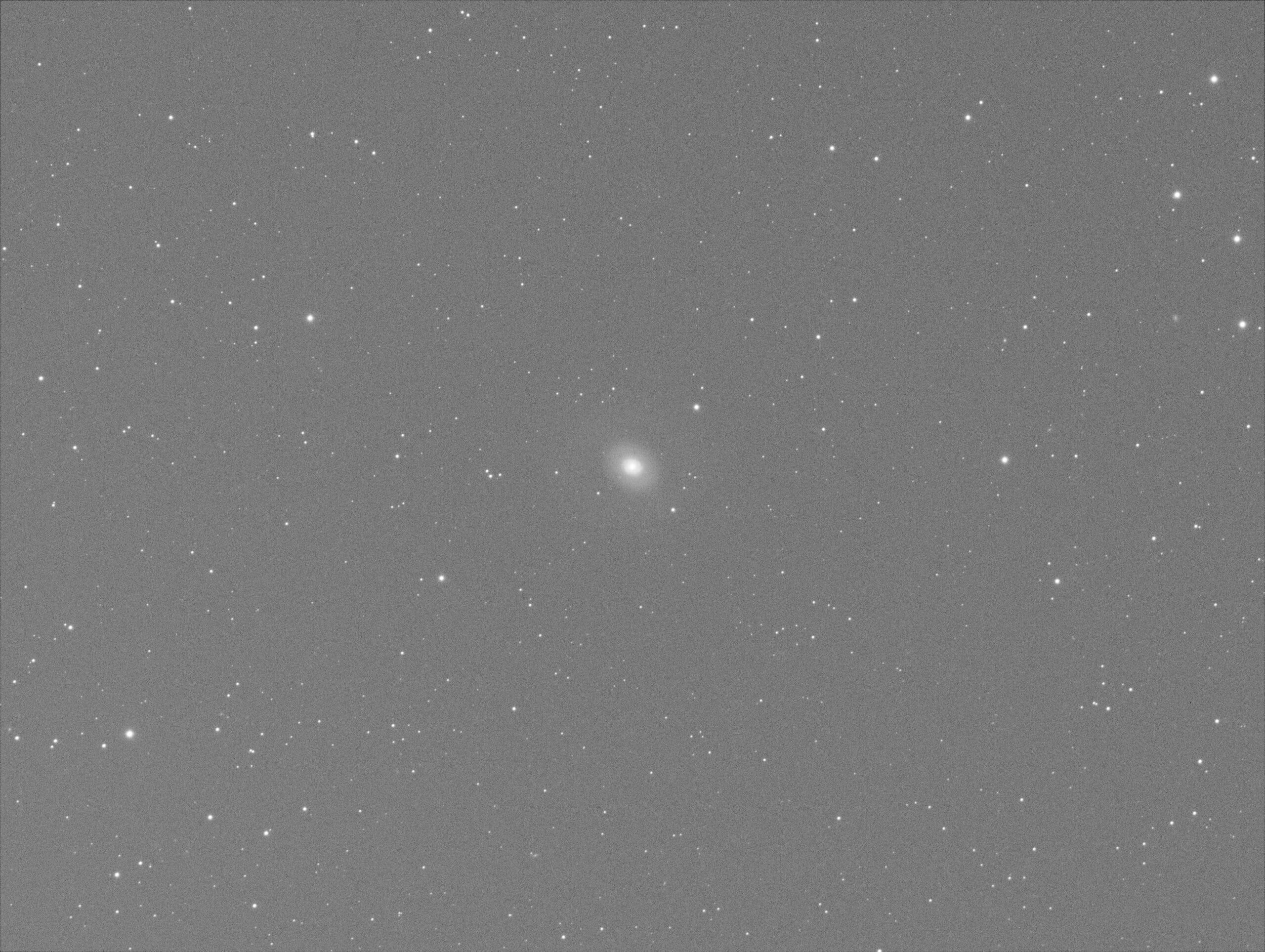
HaverkampParticipantFinally, I strongly stretch the calibrated light frame to check if the bias, flat, bpm calibration is working effectively, I think it is working perfectly ?
 HaverkampParticipant
Final step is to check the calirbation of the light.
First I remove the flats and bias from the file list
at 1)LOAD, i click on the “ALL” switchbox to the right of the flat/bias button. This deselects the flats/bias frames. Then I click on “clean” to the right of the swithchbox. All bias and flat frames are now removed from the file list.
I then add the BPM and the light frame.
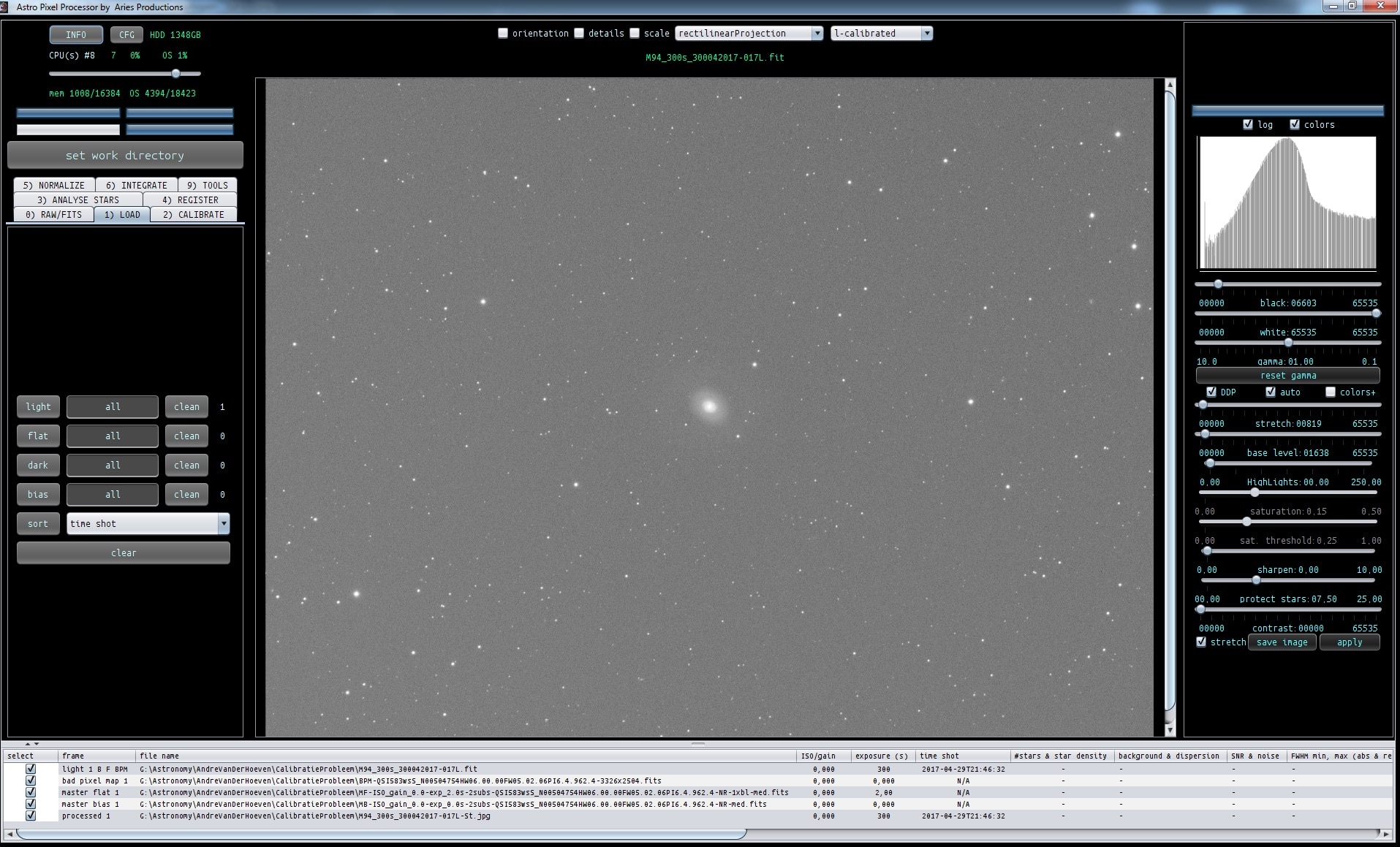
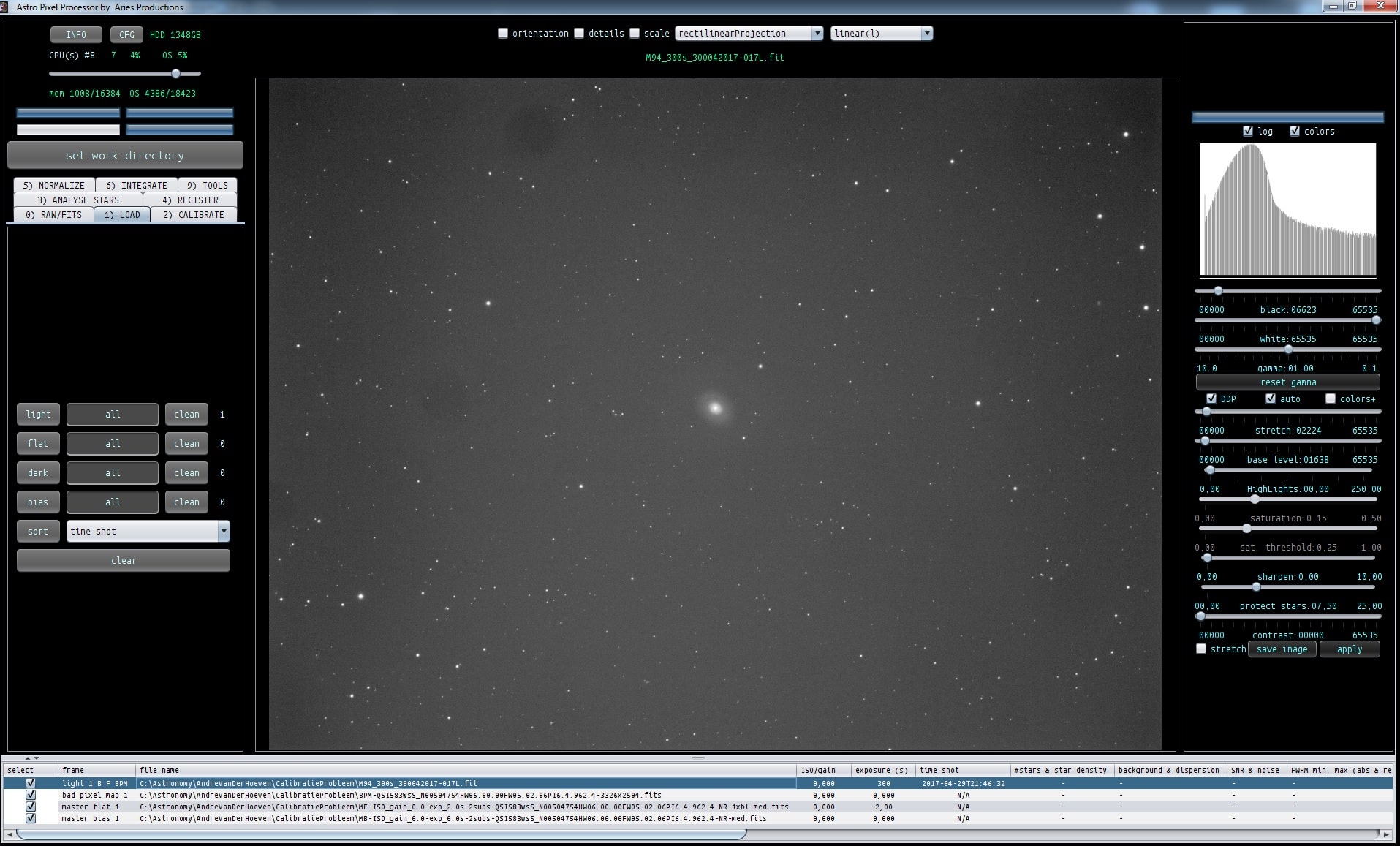
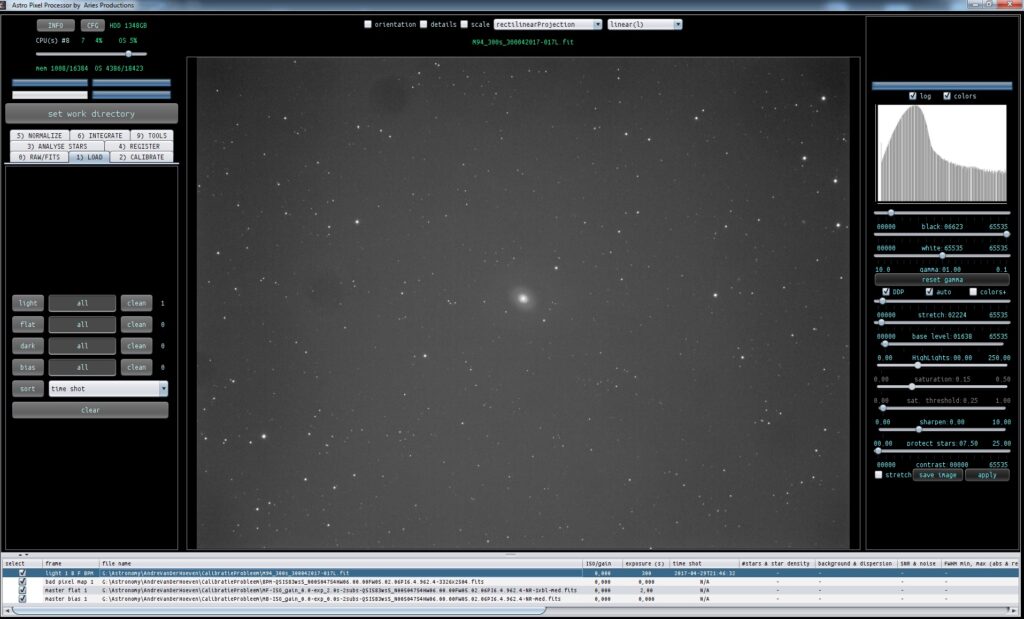
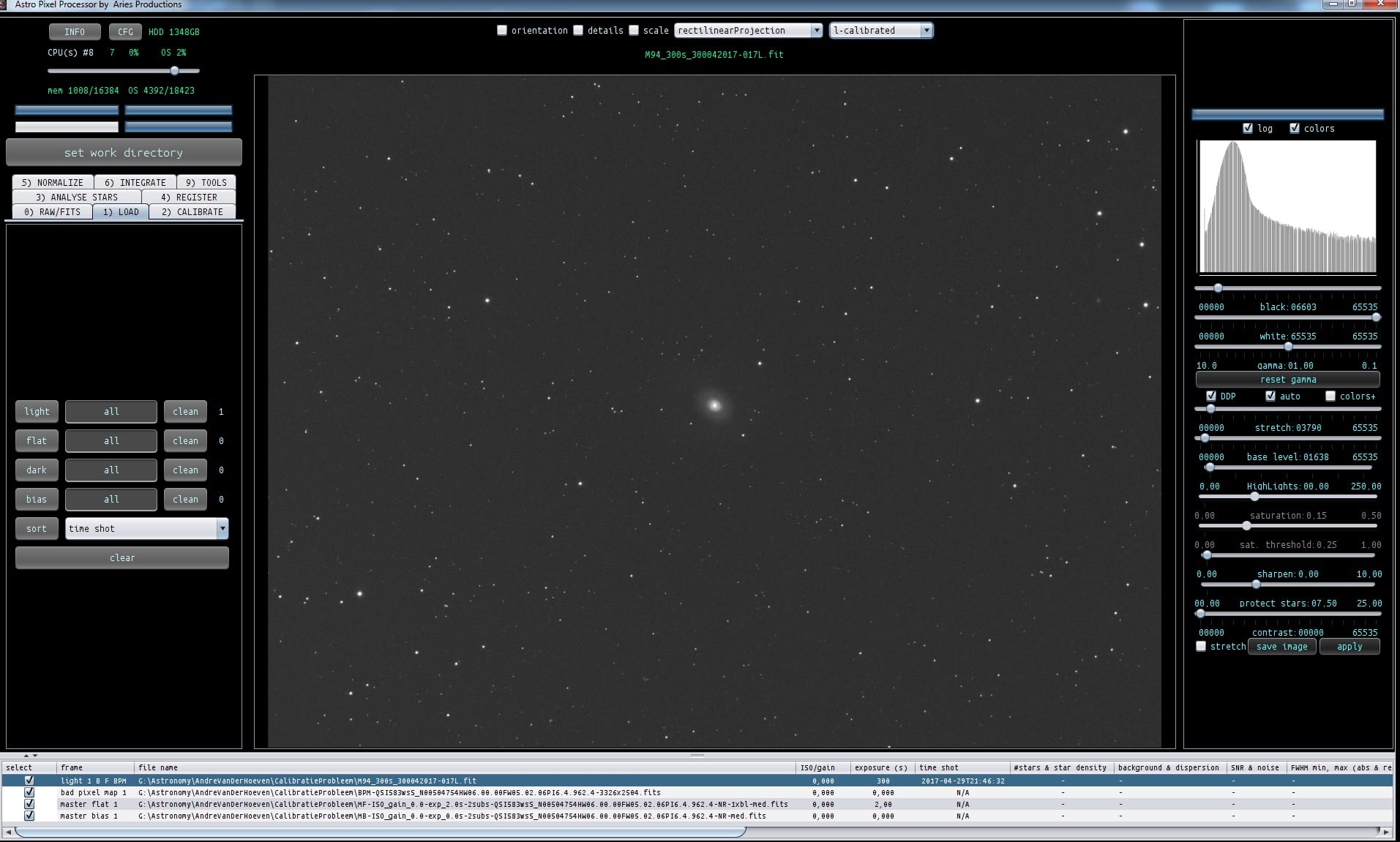
I load the light frame linearly which is the first image,
and secondly with l-calibrated to verify calibration. Result looks good to me ;-)
André, possibly, the error in calibration that you had, had to do with the flats not being bias calibrated?
 HaverkampParticipant
I now deselect create bad pixel map and I clear the file list by pushing clean in 1)LOAD
I load the 2 bias and 2 flat frames and in 2) calibrate I set the integration at median integration since I only have 2 frames, for both bias and flat calibration.
I click on create calibration masters.
APP wil now automatically
first creat a masterbias,
then the masterbias will be applied to the flats
and the master flat is created out of bias calibrated flats (which is essential, check the B’s in the frame column for the flat frames.)
 HaverkampParticipant
André send me the following files so I could test his calibration workflow:
2 bias frames
2 dark frames
2 flat frames
and 1 light frame.
I will only use the darks for the creation of a Bad Pixel Map. So the light will be calibrated with a masterbias, a masterflat created out of bias calibrated flats and the Bad Pixel Map.
First I’ll create the Bad Pixel Map.
I load the 2 darks and the 2 flat frames, at 2) calibrated I select “create bad pixel map”. (I set the hot pixel kappa at 1 since I only have 2 dark frames )
 HaverkampParticipant
Bedankt voor het sturen van je data, ik zal hier terugkoppeling geven als ik er naar heb kunnen kijken ;-)
April 30, 2017 at 21:08 in reply to: Calibration frames with different ISO settings, how to process? #14669HaverkampParticipantDear @keesscherer, you will need to create the masterflat out of bias calibrated flats.
Loading a masterbias and masterflat will not cause the master flat to be bias calibrated and it shouldn’t.
All individual flats need to be bias calibrated when you create the masterflat. So all flats need to have a b in the frame column before you create the masterflat.
I’ll be happy to demonstrate it if it’s needed?
Mabula
April 30, 2017 at 10:19 in reply to: Calibration frames with different ISO settings, how to process? #14659HaverkampParticipantExcellent @keesscherer,
Yes indeed, the warning about possible sub-optimal calibration is still on the RFC list so I’ll implement this soon now ;-)
April 30, 2017 at 09:50 in reply to: Calibration frames with different ISO settings, how to process? #14655HaverkampParticipantTo add:
You can then save your calibrated rgb frames and split them directly in the r,g,b channels as an option in “save calibrated files” for further combination with your monochrome data of your new camera.
April 30, 2017 at 09:45 in reply to: Calibration frames with different ISO settings, how to process? #14654HaverkampParticipantHi @keesscherer,
This is perfectly possible in APP with your data.
(I calibrate, all my own data with flats of different iso or gain compared to the iso/gain of the light frames )
Since you indicate that you still have the light frames and flat frames, you only need to make sure that the bias pedestal is removed from both light and flat frames using the correct bias/gain for those frames in the calibration proces.
So using an iso 1600 masterbias/dark to remove the bias pedestal in iso200 flats, is fundamentally wrong. You need to apply an iso200 masterbias/dark to remove the bias pedestal in iso200 flats.
This rule in the APP calibration engine actually prevents user errors and doesn’t pose limitations, since bias frames are easily made. Even years after you took the original data for most camera’s.
What would need to be “overridden” in your opinion?
-
AuthorPosts