


@bula
active 4 years, 11 months agoForum Replies Created
-
AuthorPosts
-
HaverkampParticipant
Hi @KeesScherer,
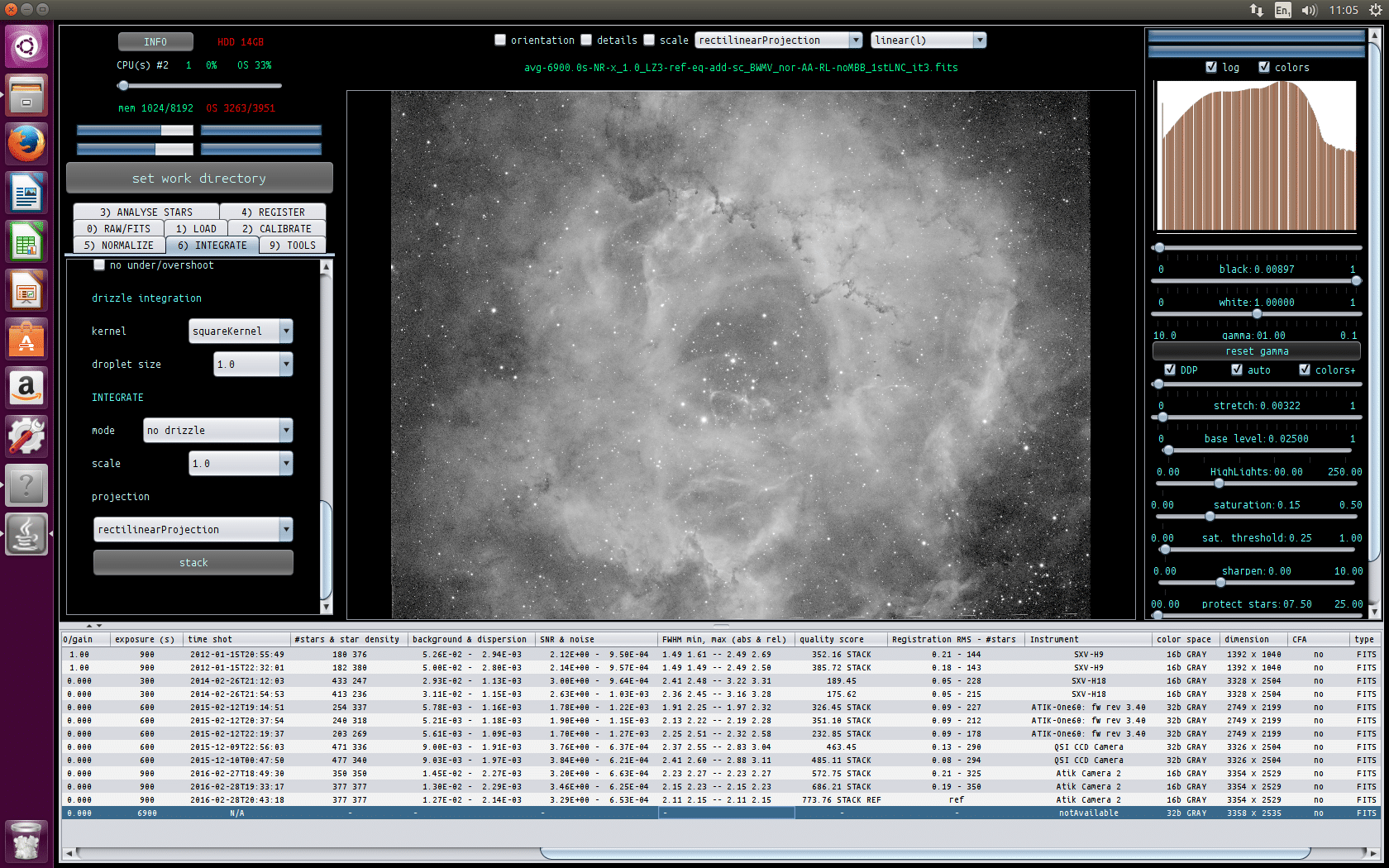
I just performed this on a Ubuntu virtual machine with 4GB memory en the 8GB Deb package, no crash and stacking was no problem.
The first step would be to analyse the stars, so I guess it crashed when it started with that task?
Mabula
 HaverkampParticipant
Ai.. did you get an error message? Or did APP just stop?
HaverkampParticipantIf the file chooser doesn’t appear, something must be wrong…
On what OS are you running APP?
HaverkampParticipantHi Rob,
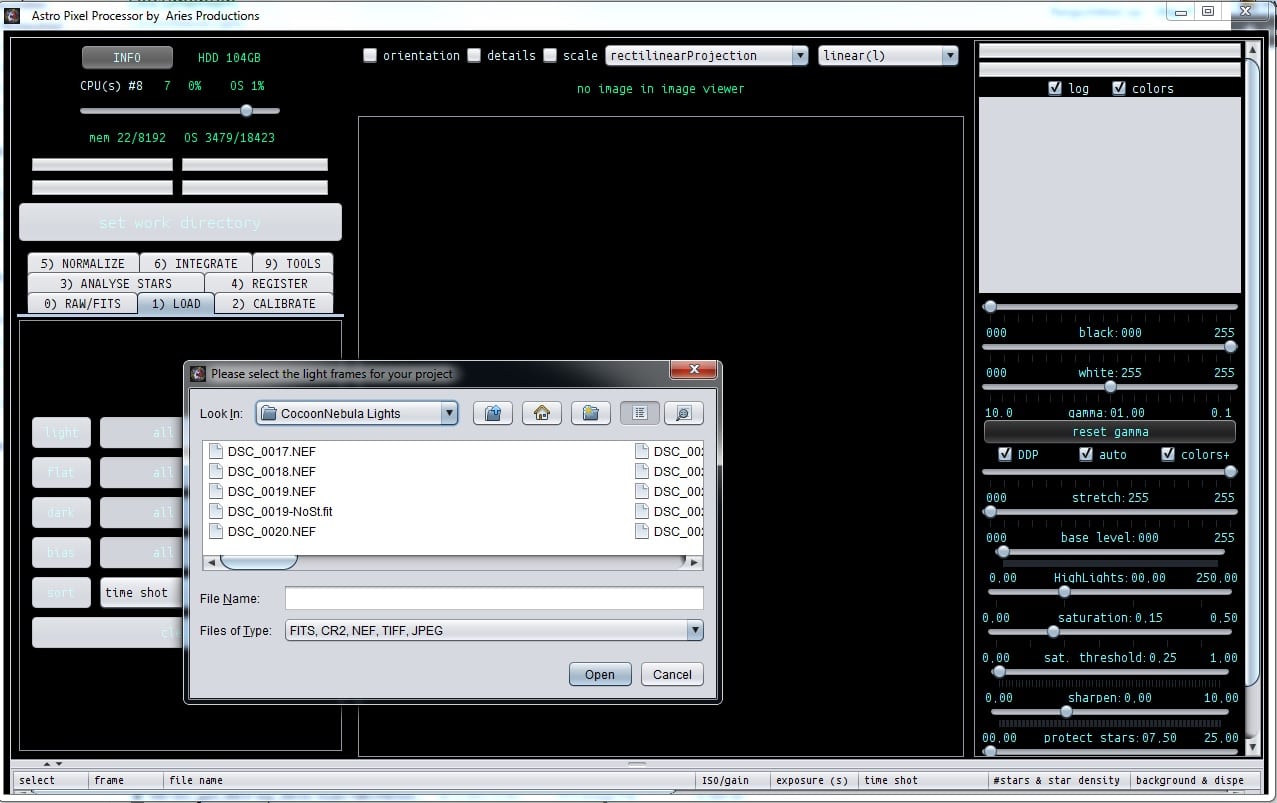
In Tab 1) LOAD
click on light, a file chooser should pop-up
 HaverkampParticipant
I’ll test this on my macbook, thanks for mentioning this
HaverkampParticipantIndeed, first set your work directory
Load your frames and follow the numbers.
And very simple.
Just load some lights, go to Tab 6) Integrate, scroll to bottom, click stack.
Your lights will be stacked with default settings ?
So all tabs between 1) and 6) will be done automatically.
Let me know if this works @musquetier ?
HaverkampParticipantIt’s on my list ;-)
HaverkampParticipantIf the license information isn’t filled in precisely, the activation will fail. Even a space after your expiry date will give a failed attempt.
Luckily, you managed to get APP started @musquetier ;-) !
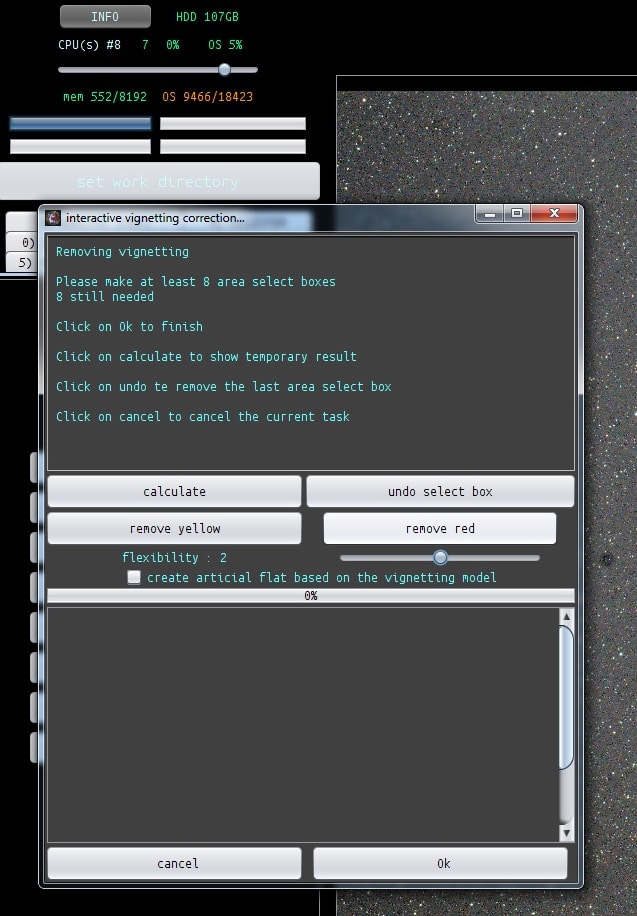
March 16, 2017 at 20:36 in reply to: Difference between “Correct Vignetting” & “Remove Light Pollution” #12615HaverkampParticipantIt’s the flexibility slider, values 1,2,3 correspond to the models i mentioned. I will fix this soon. I also want to integrate this new frame into the panel on the left instead of the menu, so you don’t get different windows…
 HaverkampParticipant
waaaahhh
HaverkampParticipant? hmm, no IP and MAC shouldn’t be in your license files I think… if you place a space wrong in the licensfile, the file is corrupted, maybe that was your earlier problem? You shouldn’t touch or alter the file, at least, there is no need for it. The security uses the info from the file, but the actual verification is off course done on my license server, so changing expiration date in your file, won’t have the effect of an extended license ;-)
HaverkampParticipantHmm, good thing, I put the warning message there.
On my Macbook, I haven’t experiened this yet.
Let me know if it happens again.
HaverkampParticipantI chose to store temporary files during progress in your APP working. APP will also output all results in the APP working directory.
HaverkampParticipantI often use a 3TB external USB 3.0 drive to let APP do it’s thing. No problem. But make sure your OS can write in the external drive.
For instance, Mac OS has a problem natively to write on a external NTFS drive…
HaverkampParticipant“Maybe i should set the APP working directory pointing to the external drive?”
Indeed, that would be the solution if you have enoug room there to let APP work.
-
AuthorPosts