

@musquetier
active 2 months, 2 weeks agoForum Replies Created
-
AuthorPosts
-
MusquetierParticipant
I tried the procedure as described in your last post but is seem to hang here.
NEVER MIND IT JUST TOOK A LOT OF TIME BUT IT DID FINISH AFTER ALL!!!
 MusquetierParticipant
Feel free to use my dataset, I would be honored ;-)
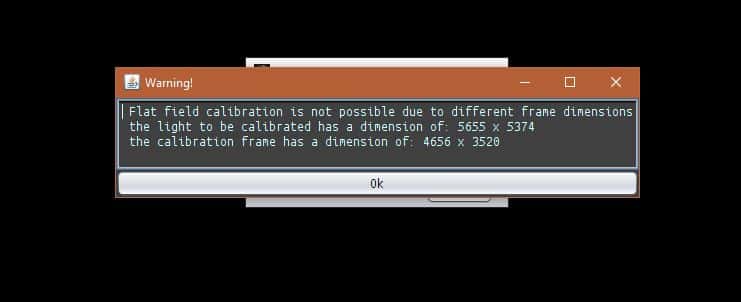
MusquetierParticipantNow I need to combine all the masters (RGB, Ha, OIII and SII). But I’m stil;l struggling with the difference dimensions of the images. How would I solve this so I can combine these images?
Note: I’ve upgraded to 01.033.5 before I tried these last two steps this evening…
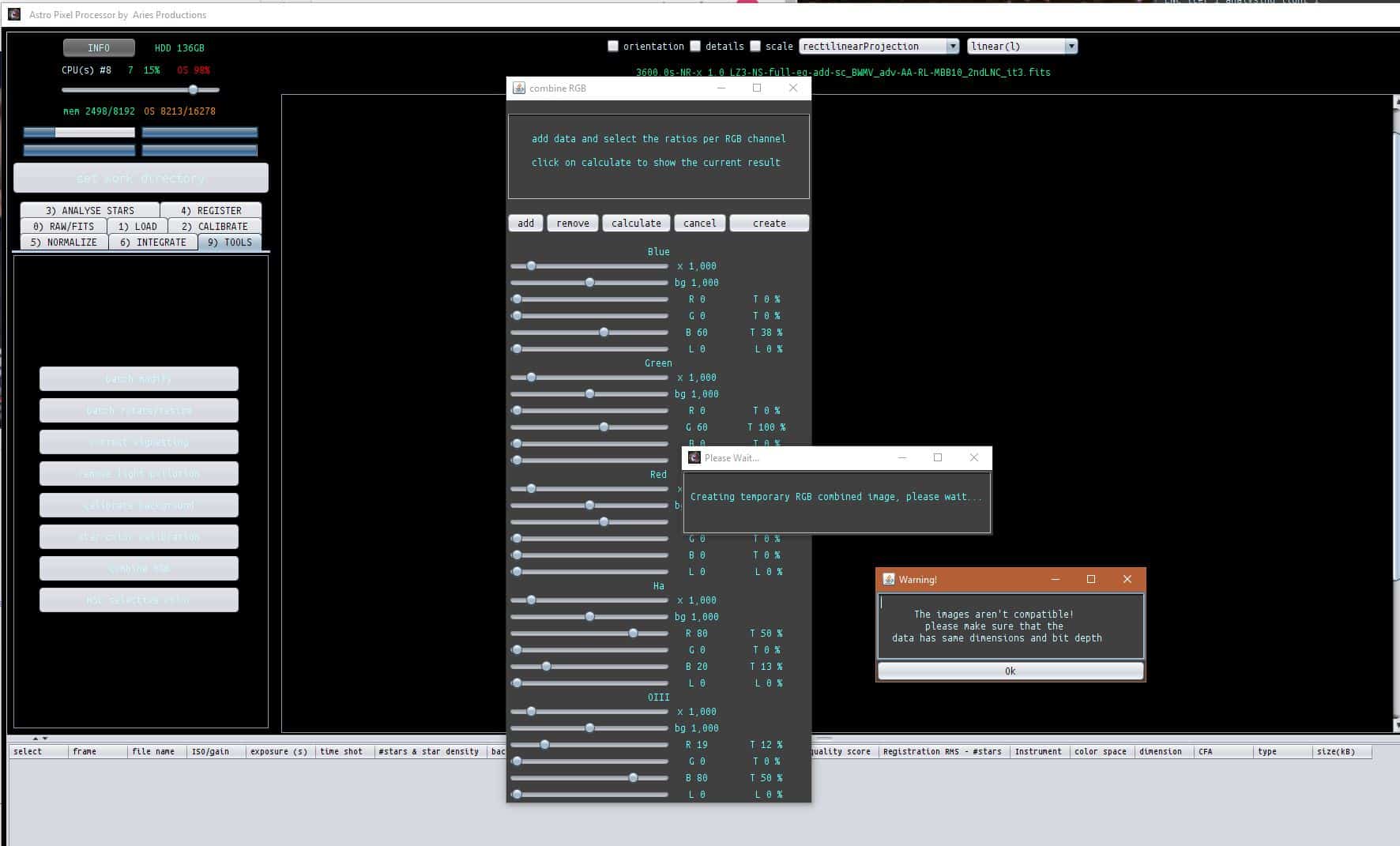 MusquetierParticipant
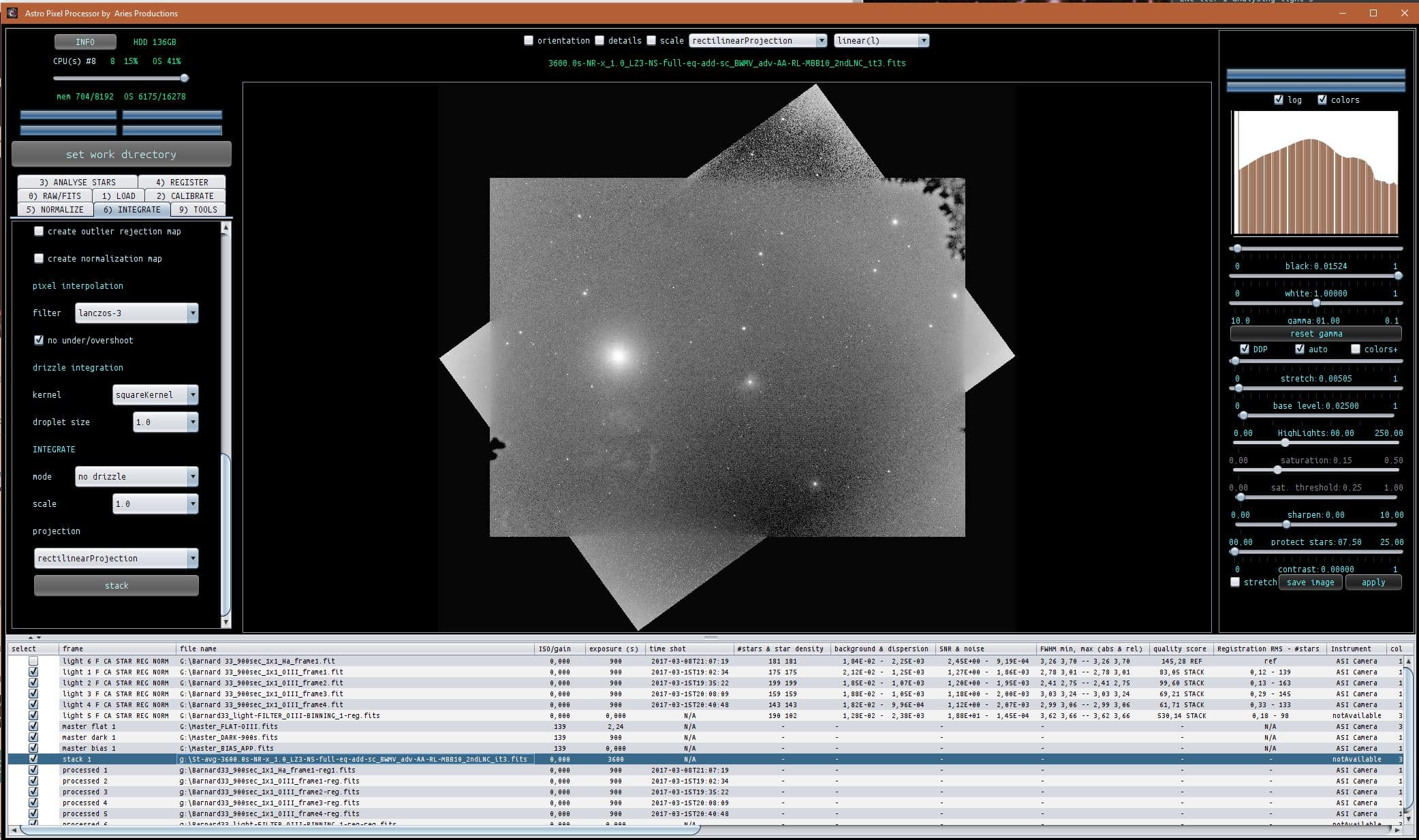
Ok, I did the OIII in a similar manner as described for the Ha and got this result, I believed this worked out just fine. However I did get this warnings during steps 2 – 6…
 MusquetierParticipant
Thanks, that looks really good! I’ll do an attempt tomorrow evening on the OIII data as well using the above explanation.
MusquetierParticipantThe combined file should have been a stack of the following files (2016 (PI) and 2017 (APP) data):
https://www.musquetier.nl/images/Barnard33_light-FILTER_Ha-BINNING_1-reg.fits
https://www.musquetier.nl/images/stack_Ha.fitsI’m not sure why it turned out to be black.
MusquetierParticipantGreat thread!
It would be nice to have the workflow explained for working with monochrome camera’s as well (registering, stacking and combining the multiple color layers (L, R, G, B, Ha, OIII and SII). Maybe in less detail but at least layout the order of steps to process all the color layers and combining them to a single image. This to prevent a lot of similar questions when APP is released to a larger number of users…
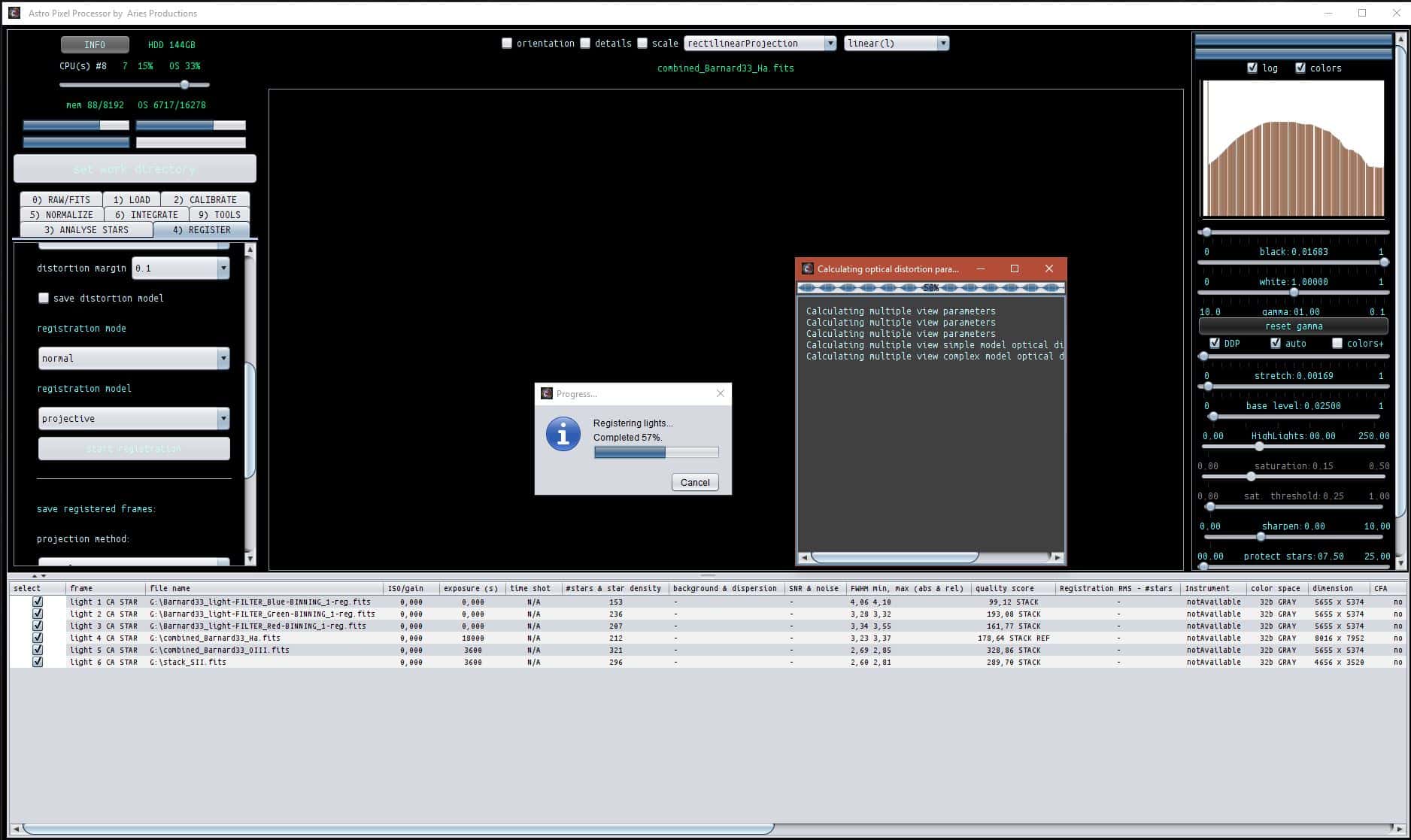
MusquetierParticipantIk probeer met versie 01.033.3 de 6 images opnieuw te registreren maar ik krijg nu de volgende probleem tijdens de 3) ANALYSE STARS->analyse stars actie en ik begrijp niet goed waarom.
De gebruikte images zijn:
https://www.musquetier.nl/images/Barnard33_light-FILTER_Blue-BINNING_1-reg.fits
https://www.musquetier.nl/images/Barnard33_light-FILTER_Red-BINNING_1-reg.fits
https://www.musquetier.nl/images/Barnard33_light-FILTER_Green-BINNING_1-reg.fits
https://www.musquetier.nl/images/combined_Barnard33_OIII.fits
https://www.musquetier.nl/images/combined_Barnard33_Ha.fits
https://www.musquetier.nl/images/stack_SII.fitsMusquetierParticipantOk, I have now a R, G, B, Ha, OIII and SII stack, all registered to one master, but they do differ in size because they are all taken on different days (in 2016 and 2017) and with two different camera’s which were mounted using a different rotation.
What is the procedure in APP to make them all similar without loosing the alignment, (so without shifting them on the X and Y axles).
Can this also be done in APP as well so I have done the complete processing using only this application?
Once this is done I can do the Combine RGB option in the 9) TOOLS tab to transfer to color and do the final tweaks…
MusquetierParticipantsolved!
MusquetierParticipantAnother one: save the number of processors selected so it will be correct after restart of APP
MusquetierParticipantgreat, that would work really good!
MusquetierParticipantI find it difficult to work with the sliders. Some needs very slight adjustment and it would be handy if an auto apply would be done once a slider is released…
MusquetierParticipantCombined for experimentation purposes with data taken last year with the ATIK 383L+
total 33x 900 sec. Ha:
 MusquetierParticipant
This was when I still used the 1.033.1 version. I’m not sure how to recreate the error.
In the meanwhile I have updated to the 1.033.3 version.
-
AuthorPosts