

@bula
active 4 years, 11 months agoForum Replies Created
-
AuthorPosts
-
HaverkampParticipant
Dank je Kees,
Ben er mee bezig ;-)
Er gaat inderaad iets niet goed met de Bad Pixel Map, de bad (en hot inderdaad) columns worden niet goed gedetecteerd. Dus ik duik even de statistiek om dit te fixen.
Ik zie onderaan ook een kleine defecte column, die word wel goed gedetecteerd met hulp van de flats.
Mabula
HaverkampParticipantYes, still need to fix the application icon in the menu though ;-)…
HaverkampParticipantHi @keesscherer,
If you login at astropixelprocessor.com, you can download a new linux DEB version, 1.040.
I have fixed the 2 problems, and I have worked on the DEB installer. Please let me know if this works okay on your Linux system ;-)
Mabula
HaverkampParticipantZijn het koude/defecte pixels die niet goed worden gecorrigeerd?
Als defecte pixels erg geclusterd zijn, bijvoorbeeld meer dan 2 bad columns direct naast elkaar, dan kan dat ook een reden zijn dat de correctie niet goed gaat, terwijl de BPM ze wel als bad heeft gemarkeerd. Mogelijk dat ik de BPM engine dan nog wat verderkan verbeteren. Als je me een light en een paar darks en flats kan toesturen wil ik er zeker naar kijken.
HaverkampParticipantHi @musquetier,
I can’t duplicate the error at the moment with my own data.
Can you send me the frames that trigger the error, so I can investigate what’s really happening?
Mabula
HaverkampParticipantsolved the error in the mosaic algortihm and also the error in the star analyser. Should improve results and robustness in registration. Will compile a version with these fixes later today, so you can test with your cygnus mosaic.
HaverkampParticipantHi @keesscherer,
Thank you, I have found the bug. It happened in
-mosaic mode
– not same camera and optics
– dynamic distortion correction
– projective model
The bug caused to start the regression calculation with wrong initial parameters, in this case the “wrong” parameters couldn’t be found. So a very good bug to solve ?
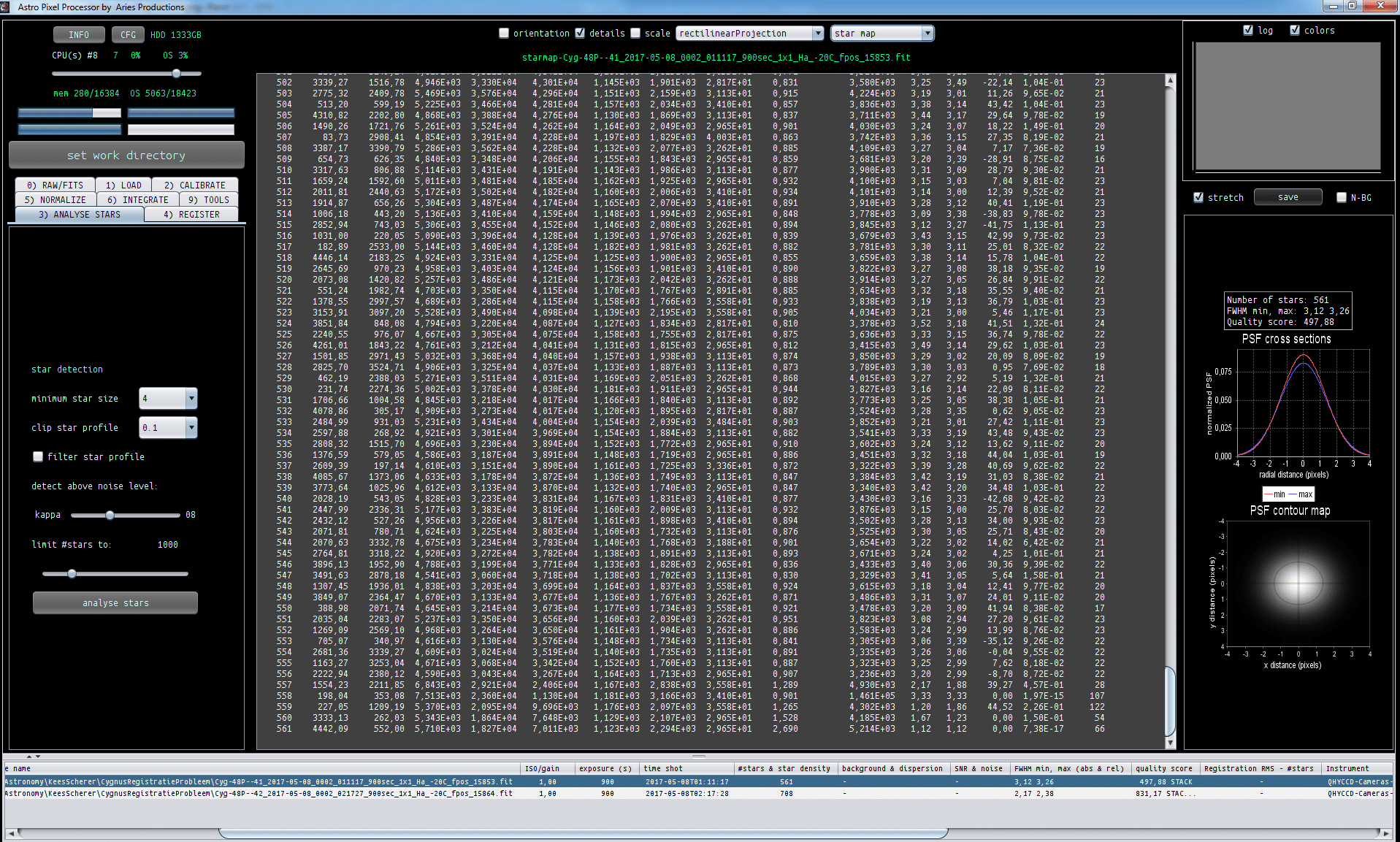
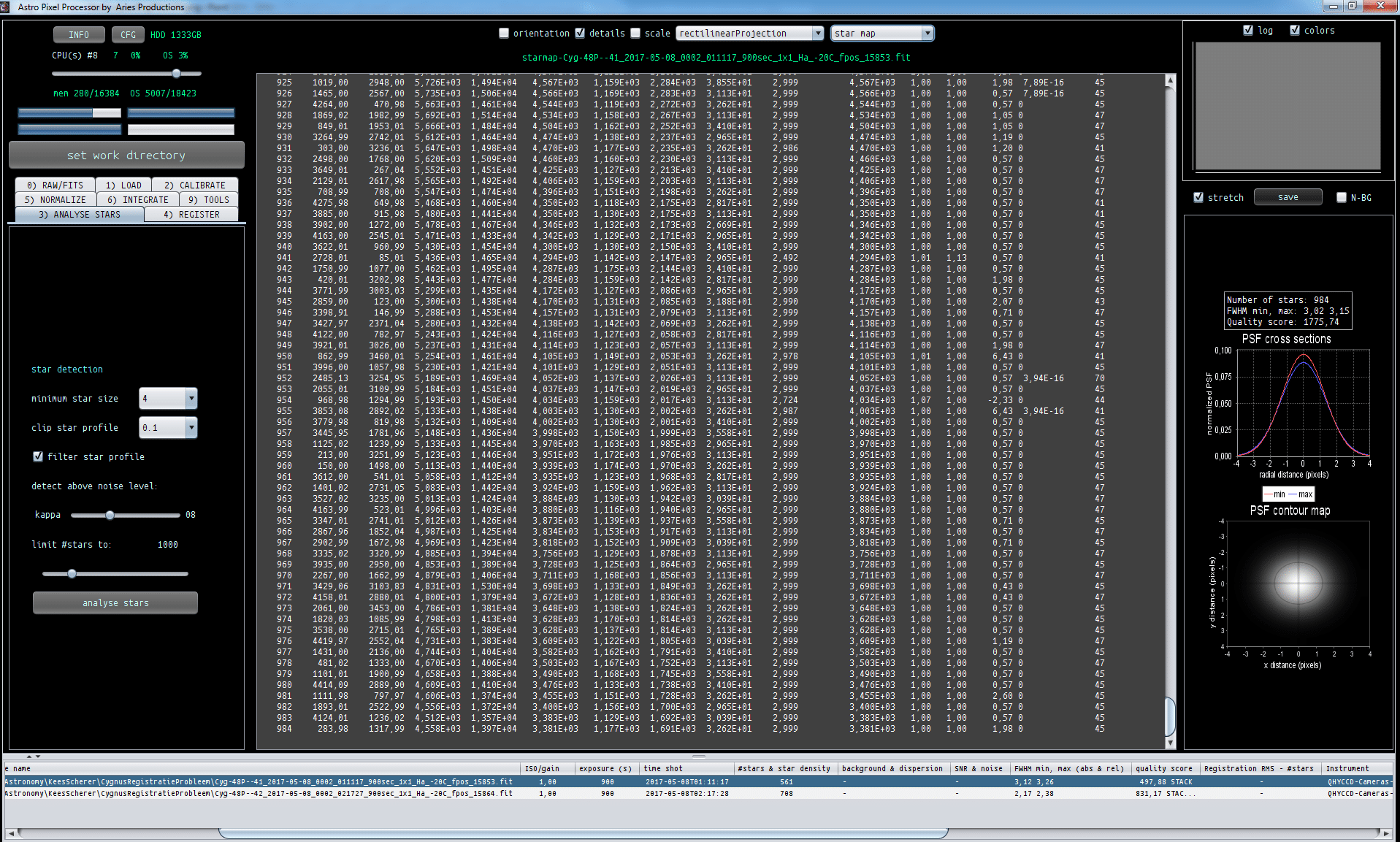
Furthermore, I see another and even more serious bug in the star analyser when “filter star profile” is enabled with your data (first time I encounter this.. but must have affected other data processing as well):
minimum star size 4
clip profile 0.1
filter on
kappa 8
limit stars to : doesn’t matter, screenshots with 1000 stars
It’s a serious bug, so very happy to have found it. 2 screenshots:
first with “filter star profile” off, the other with “filter star profile” on. The screenshots show the “details” of “star map image viewer mode” on panel 41.
Notice that with filter on, there are stars found with FWHM max, min of 1,00 & 1,00. These are bogus results, the star locations are rubbish as well… This must seriously affect registration in a bad way.
 HaverkampParticipant
Hi Rob,
I totally agree, i’ll put it on the RFC.
I am going to test now if I can duplicate the error.
Mabula
HaverkampParticipantPrachtig Kees, ziet er werkelijk super uit ;-) !
Mogelijk kan je de bad columns nog beter corrigeren als je de bad pixel map nog wat agggresiever maakt. Dat kan door de hot pixel kappa nog lager te zetten, dat is geen enkel probleem voor de calibratie kwaliteit omdat de BPM geen noise injecteert.
Ik zie ook nog wat zwarte naden als je inzoomt op sommige gebieden van overlap tussen verschillende panelen. Mogelijk dat dat komt door de manier hoe je de panelen nu aan elkaar hebt gemaakt? Je hebt wel MBB aangezet neem ik aan?
Met welke settings bereik je nu dit?
( Ik heb inmiddels op papier verdere verbeteringen staan voor de mosaic functie ( de calibrated projective mode is helemaal sterk toe aan een update), maar het zal even moeten wachten ivm prioriteiten voor de documentatie )
HaverkampParticipantHi @musquetier,
I will try to replicate this tomorrow. The behaviour of APP should be that if multiple master flats are loaded and selected the first one should be used internally. The second one would be neglected.
I’ll test this tomorrow ;-)
The option to filter the calibration frames and lights per channel for multichannel processing would be very useful and I think I can implement it soon. I would add the option to select a channel when frames are loaded, and this channel will then be indicated in the frame column.
HaverkampParticipantHi @keesscherer,
Can you send me these two frames so I can investigate what’s happening here? Looks like something in frame 41 is different than in the other frames… but I would love to check it thoroughly.
Did you use default settings in star analysis?
Mabula
HaverkampParticipantHi @keesscherer,
This is a clear indication that there is a registration problem for this frame for some reason…
Can you register this frame without problems to one of the frames that has overlap with this frame?
Does this error repeat itself with different registration and/or star analysis settings?
Mabula
HaverkampParticipantHi Scott (@srosenfraz),
Hmm, I think it will not be an explanation in this case since the license file is still stored locally in your OS user directory. I am also not sure yet if the bug relates to file locking, but I strongly suspect it.
I access files over network and a usb3 drive without running into this problem.. so I need to test more to solve this I am afraid ;-)
HaverkampParticipantFor some unknown reason, I can’t edit my first post in this thread @mth75. So I’ll put it here.
Link to part 1 is:
https://www.starry-night.nl/forums/topic/creating-a-seamless-mosaic/
HaverkampParticipantHi @keesscherer,
the number of overlapping frames is a parameter in the calculation of a mosaic with
“dynamic distortion correction”on an
“same camera and optics”off.
The higher the number, the more robust the result should be, but calculation time will be longer.
The other new setting for scales applies to all mosaic calculations. Increase scales for a more robust result.
Full explanation is coming, I promise ;-)
-
AuthorPosts