


Forum Replies Created
-
AuthorPosts
-
March 16, 2017 at 20:45 in reply to: Difference between “Correct Vignetting” & “Remove Light Pollution” #12618
Theunissen
ParticipantAh, thx!
Participantso changing expiration date in your file, won’t have the effect of an extended license ?
A challenge … crack APP :-)
March 16, 2017 at 20:25 in reply to: Difference between “Correct Vignetting” & “Remove Light Pollution” #12611ParticipantCorrect Vignetting: you can select 3 different models
How can I select one of the 3 models? I can’t see a dropdown menu to select one of the 3 in the “Interactive light pollution modelling” dialog window?
March 16, 2017 at 20:16 in reply to: Difference between “Correct Vignetting” & “Remove Light Pollution” #12610ParticipantThanks for your answer!
ParticipantI noticed that IP and MAC address is added, maybe those weren’t present in my first .APPlicense file? I will let you know.
ParticipantHi Mabula,
Or an APP temporary file?
I mean the APP temp or working files directory, are those files hidden in the APP working directory?
ParticipantIsn’t it possible to try installing the RPM package on your Linux Mint distro?
ParticipantIt does make sense, however, the HDD space was correct in the earliest beta. This brings me to another question, maybe even related, where is the swap or temp file located on the system?
Thanks for your quick reply!
ParticipantIn de NGC7789 widefield bewerking viel me al eerder op dat de opname bepaald niet “flat” was, tijdens de bewerking ben ik er ook niet in geslaagd om met de bekende PI tools de afbeelding af te vlakken.
Een nieuwe APP stack met “remove light polution” actie leverde al een aanzienlijk vlakker beeld op. Verdere bewerking vervolgens weer met PI gedaan.
 Participant
Even een setje oudere data geprobeerd, voor mijn eerste volledige APP bewerking. Uiteraard is mijn data niet representatief voor wat APP aan mogelijkheden biedt noch is deze bewerking optimaal uitgevoerd (lerende in een pre-beta), maar snel in de buurt komen van mijn PI bewerkingen geeft een alleraardigst gevoel.
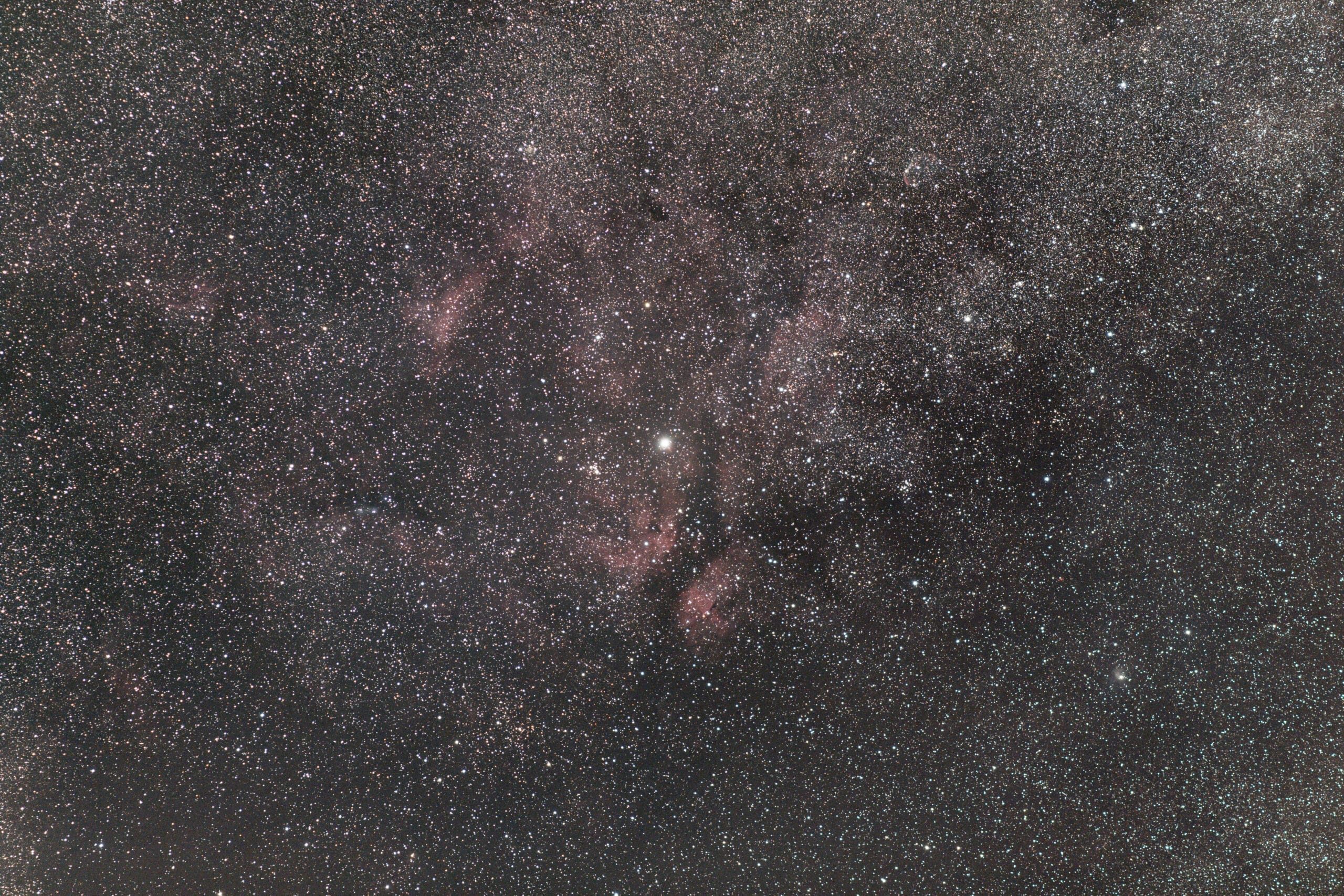 Participant
Dit is de source van de index.html. Relevant is de css, waarbij de opacity is gedefinieerd, en onderin probeer ik een maps versie te forceren. Maar dat werkt dus niet.
Ik kom bij je terug Norbert.
ParticipantZie : , kijk eens of je met de Samyang hetzelfde diffractie issue hebt als met de Zeiss (schieten op f2.8 is de oplossing).
Participantoto van mijn (te zware ?) opstelling
De payload van de Star Adventurer is 5kg (op papier), even wegen met apparatuur en zonder dus.
ParticipantIemand met verstand van maps en layers hier ?
Het zou me moeten lukken. Wel heb ik dan de scripts nodig (php, js en eventueel gebruikte css).
ParticipantGraag gedaan @eapod.
De exacte foutmelding is trouwens:
XMLHttpRequest cannot load http://eapod.eu/mod_pagespeed_beacon?url=http%3A%2F%2Feapod.eu%2F4-march-2017-ngc-2264-complex%2Fembed%2F. No ‘Access-Control-Allow-Origin’ header is present on the requested resource. Origin ‘null’ is therefore not allowed access.
Je zou nog eens kunnen proberen om in de .htacess file onderstaande op nemen (apache wel herstarten):
Header set Access-Control-Allow-Origin "*" -
AuthorPosts
